At a Glance
System build
Ceiling Wireless AP + Switch / Gateway / AC Controller + In-wall Wireless AP
Key models
Requirements
5items
Acceptance checks
3items
Scenario Images
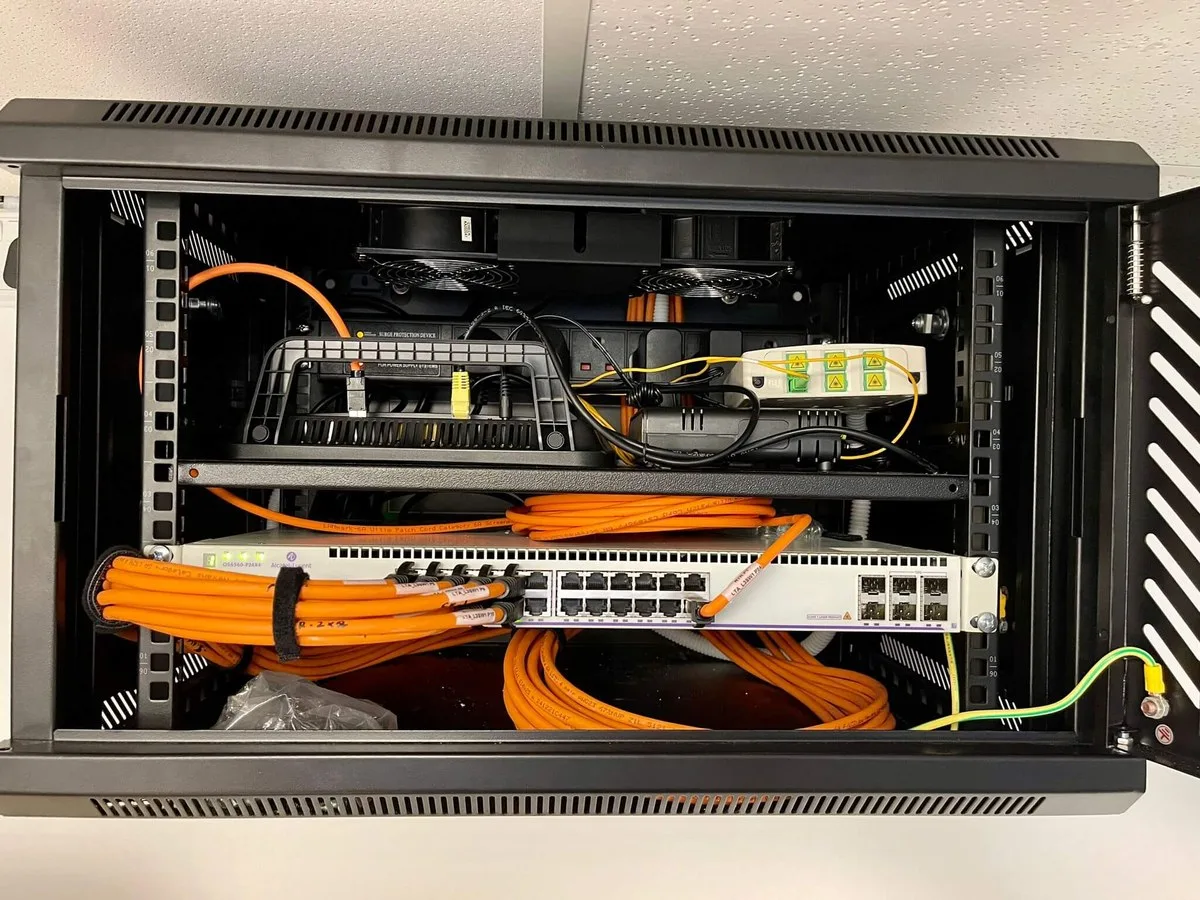
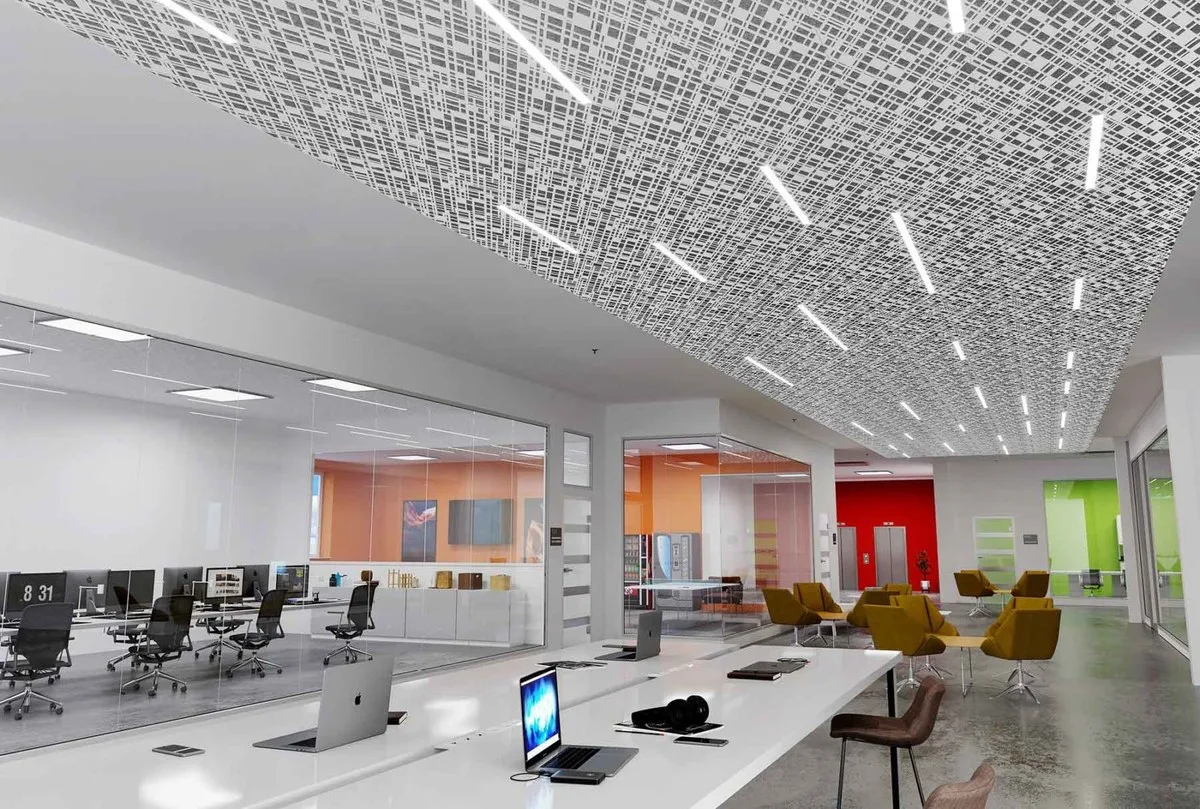
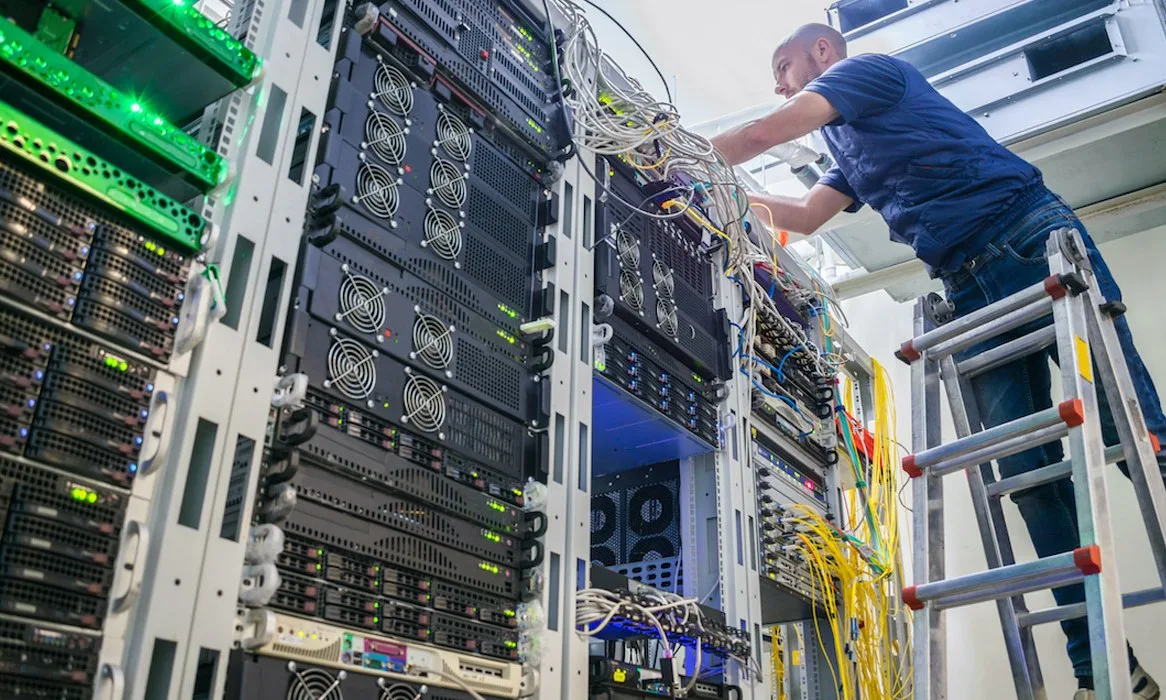
Key Pain Points
- Dense clients in open offices overload a single AP
- Video conferences in meeting rooms drop repeatedly
- Guest traffic shares the internal network, creating security risk
- Network points cannot follow desk re-layouts quickly
Solution Architecture
- Open areas: one Wi-Fi 6 ceiling AP per 60–120㎡
- Meeting rooms: dedicated APs per room to avoid partition loss
- Access: full-gigabit PoE switches with 20% spare ports
- Management: AC gateway configures multiple SSIDs, isolating guests
- Operations: AP status and client count visibility with alerts
On This Page
Requirement Breakdown
Figures below are design assumptions for sizing, not measured site data — confirm against the actual site before ordering.
- 01Open plan: one AP per 80–120㎡ at normal desk density, one per 60–80㎡ where desks exceed one person per 10㎡.
- 02Meeting rooms: one AP per room rather than relying on adjacent public-area coverage.
- 03Concurrency: estimate online devices as desks × 1.5 devices, with video conferencing drawing 2–4Mbps per stream.
- 04Guest network: must be isolated at layer 2 from the corporate LAN, with internet-only access.
- 05Power: ceiling APs run on PoE with switches in the floor telecom room or a local distribution box.
Zones & Topology
01
Access layer: floor PoE switches chosen by AP count and port count, with 20% spare ports.
02
Wireless layer: ceiling APs across the open floor, dedicated APs in meeting rooms, extra coverage at reception and informal meeting areas.
03
Management: the AC gateway pushes multiple SSIDs (staff / guest / IoT), isolated per VLAN with rate limits.
04
Egress: the enterprise router or firewall NATs guest traffic separately with configurable rate limits.
Standard Topology
Recommended Configuration
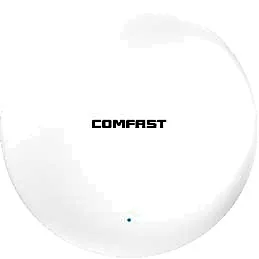
Dual-band 3000M ceiling AP, the workhorse for open floors
 CF-E390AXCeiling Wireless APMeeting rooms / small rooms
Dual-band 1800M ceiling AP, one per meeting room
View Details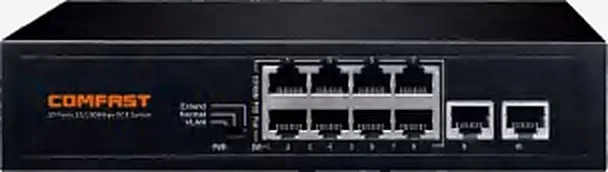 CF-SG181PSwitch / Gateway / AC ControllerBy AP count per floor
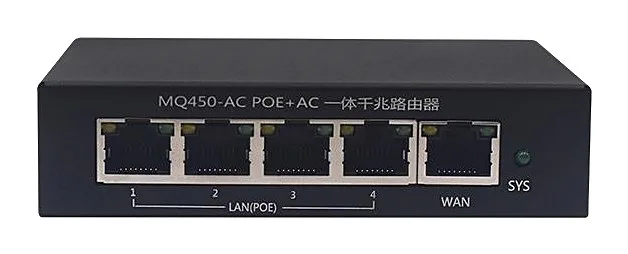
8-port full-gigabit PoE switch for floor access
View Details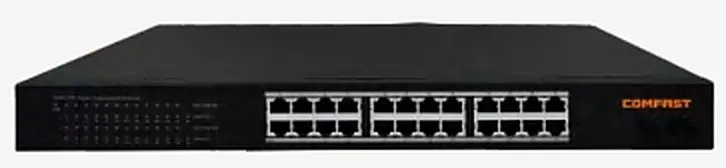 CF-SG1241PSwitch / Gateway / AC ControllerLarge single floors / multiple blocks
24-port full-gigabit PoE switch for large floors
View Details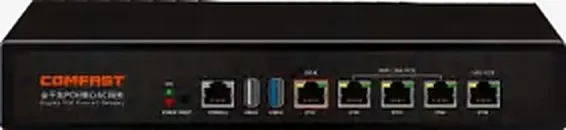 CF-AC101Switch / Gateway / AC Controller1 unit
AC gateway for up to 128 APs / 500 clients
View DetailsConfiguration list as a table
| Model | Quantity | Purpose |
|---|---|---|
| CF-E593AX | Open areas, one per 80–120 sqm | Dual-band 3000M ceiling AP, the workhorse for open floors |
| CF-E390AX | Meeting rooms / small rooms | Dual-band 1800M ceiling AP, one per meeting room |
| CF-SG181P | By AP count per floor | 8-port full-gigabit PoE switch for floor access |
| CF-SG1241P | Large single floors / multiple blocks | 24-port full-gigabit PoE switch for large floors |
| CF-AC101 | 1 unit | AC gateway for up to 128 APs / 500 clients |
Key Technical Points
- Meeting rooms cannot borrow corridor APs,glass partitions and plasterboard cost little loss at 5GHz, but metal frames and display walls create blind spots — a dedicated AP per room is the cheapest way to be certain.
- Implement guest / corporate isolation at layer 2 on the AC,not merely as an SSID-to-VLAN mapping on the AP.
- Keep 2.4GHz for IoT and legacy devices with a rate cap and steer laptops and handsets to 5GHz,which cuts co-channel interference markedly.
- Where desks move often,blanket the open floor with a ceiling AP grid instead of cabling to desk positions.
Installation & Commissioning
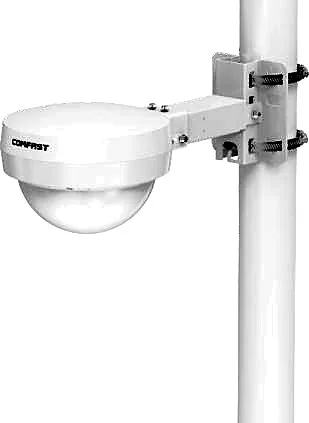
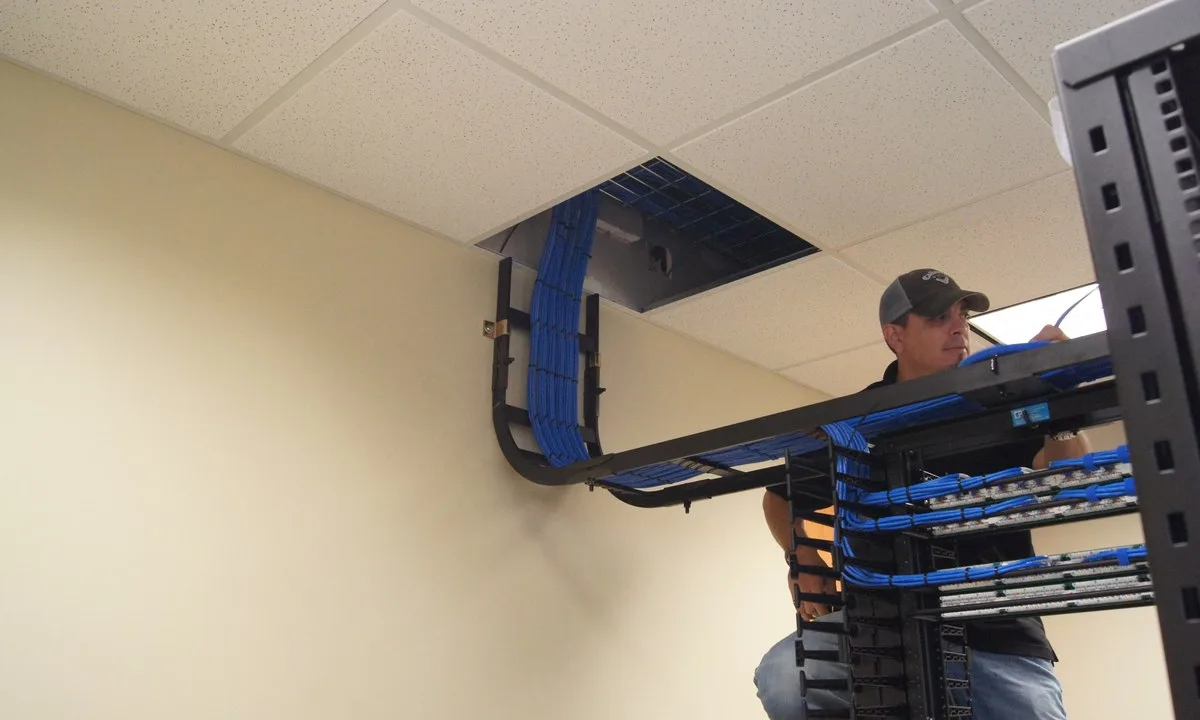
- Ceiling APs at about 3m,clear of air-conditioning outlets and metal ducting; secure in-ceiling cabling and leave an access panel.
- In dense desk areas tune placement,mounting APs toward the aisle side suffers less partition shadowing than centring them.
- Avoid placing APs near print areas,server rooms and microwaves — concentrated 2.4GHz noise causes intermittent packet loss.
- Site-survey before handover and pin adjacent APs to non-overlapping 2.4GHz channels (1 / 6 / 11).
Where These Projects Most Often Go Wrong
- Buying APs by headcount instead of placing them by area,dense desks behind partitions leave corridors and seats dropping packets.
- One SSID and one password site-wide with no isolation,one mis-patched cable creates a network loop.
- Enough PoE ports but not enough power,once fully populated the supply is exceeded and some APs keep rebooting.
- Guest network with no rate limit,guests saturate the uplink with downloads and video, hurting staff traffic.
Acceptance Criteria
- 5GHz ≥ -65dBm at desks and ≥ -67dBm at the farthest seat in meeting rooms.
- At peak the design client count is reached with ≥ 20Mbps downlink per device.
- Guest clients cannot reach any corporate device and are rate-limited.
Sizing Rule & Pricing
Sizing rule: open-area APs = area ÷ 80–120㎡; meeting-room APs = number of rooms; PoE switches = total APs ÷ usable PoE ports × 1.2; AC sized by AP count. Contact us for current pricing.
Send us your floor plan or site conditions and we will return a configuration list.