A CPE converts an upstream (cellular or wireless link) into local Wi-Fi and Ethernet; a router does local dial-up, NAT and Wi-Fi coverage
No fixed line, or temporary/remote coverage: a SIM-based 4G/5G CPE. Have a fixed line and need to reach a distant point: pair up wireless bridges/CPEs
For outdoor units check IP rating, surge protection and directional antenna gain before headline speed
Browse by form factor
Models in this category
View all 216 models →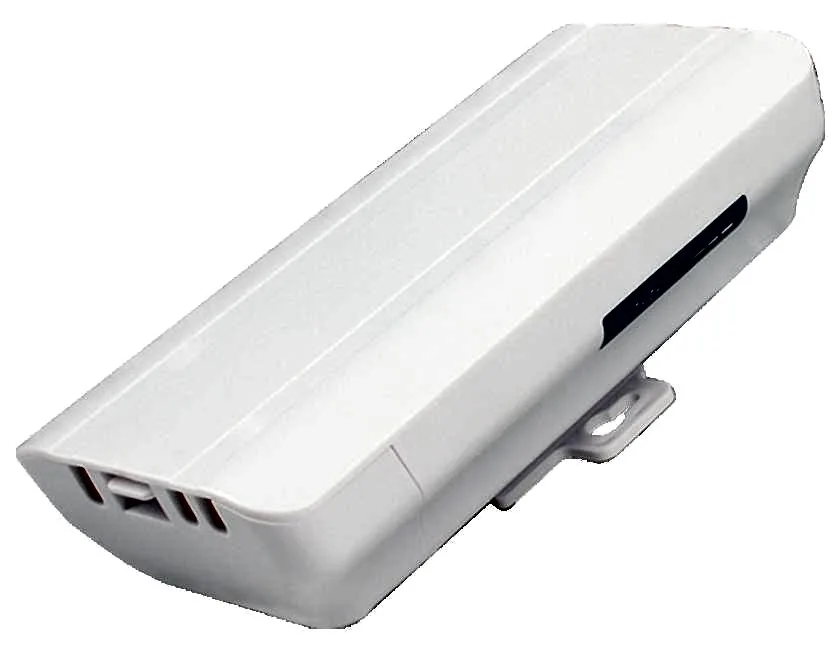
BS-300D
Wireless Bridge / CPE BS-300D with 300Mbps wireless rate and 2.4G single-band, 24V PoE, for point-to-point links between buildings, cranes and elevators.
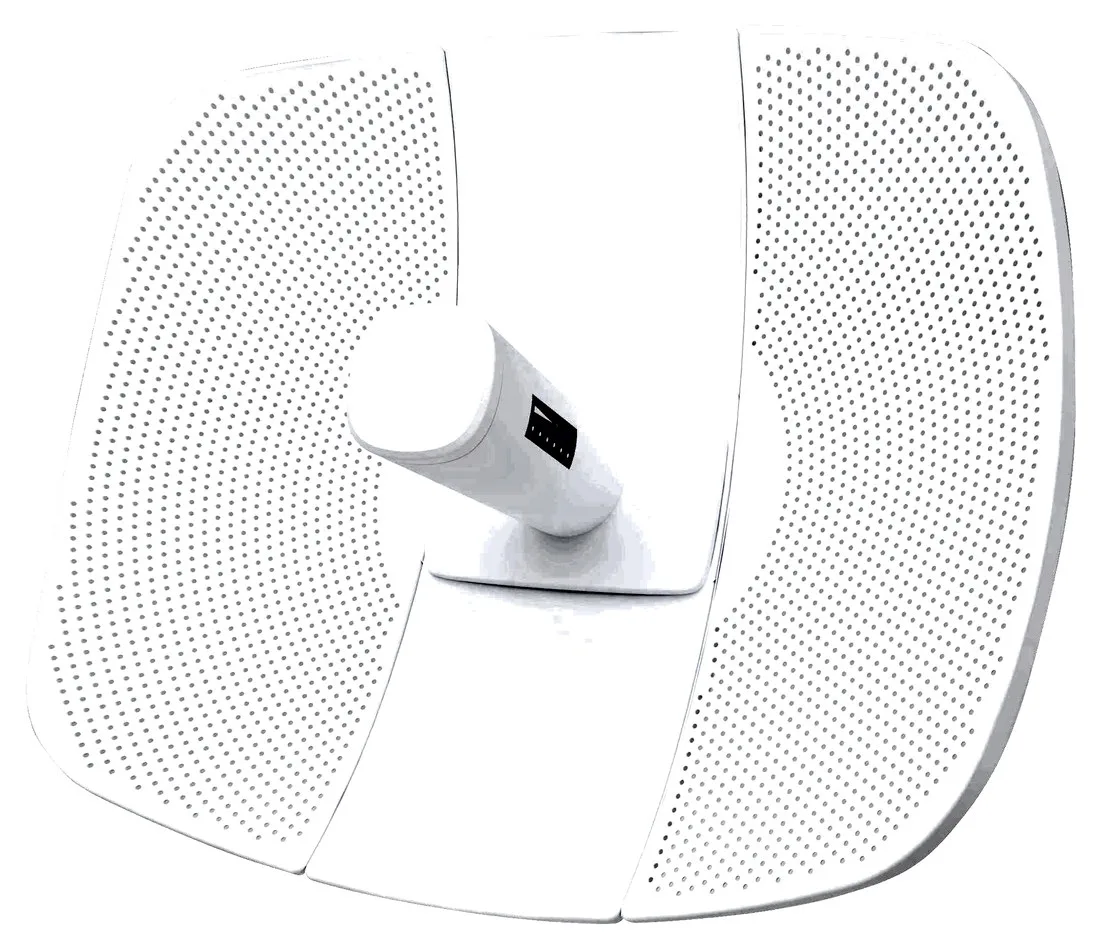
BS-500L
Wireless Bridge / CPE BS-500L with 300Mbps wireless rate, dimensions 395*340*250mm, 24V PoE, for point-to-point links between buildings, cranes and elevators.
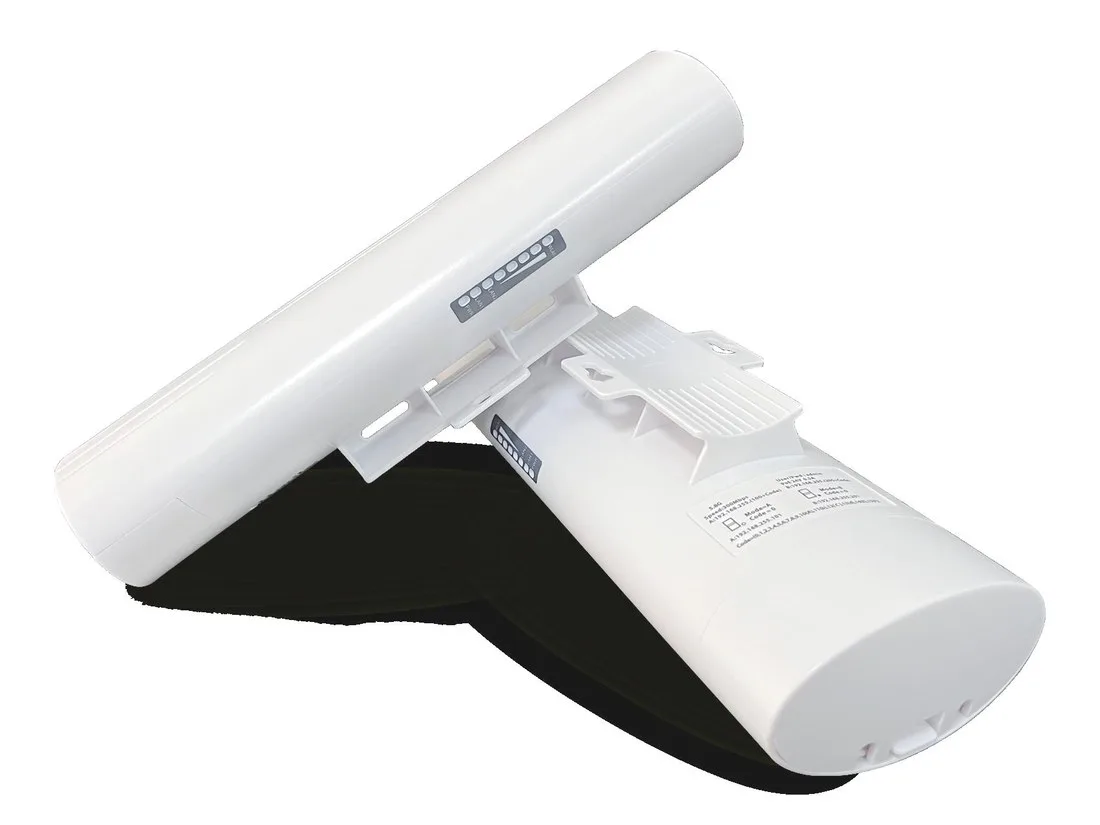
BS-500T
Wireless Bridge / CPE BS-500T with 300Mbps wireless rate, 24V PoE, for point-to-point links between buildings, cranes and elevators.
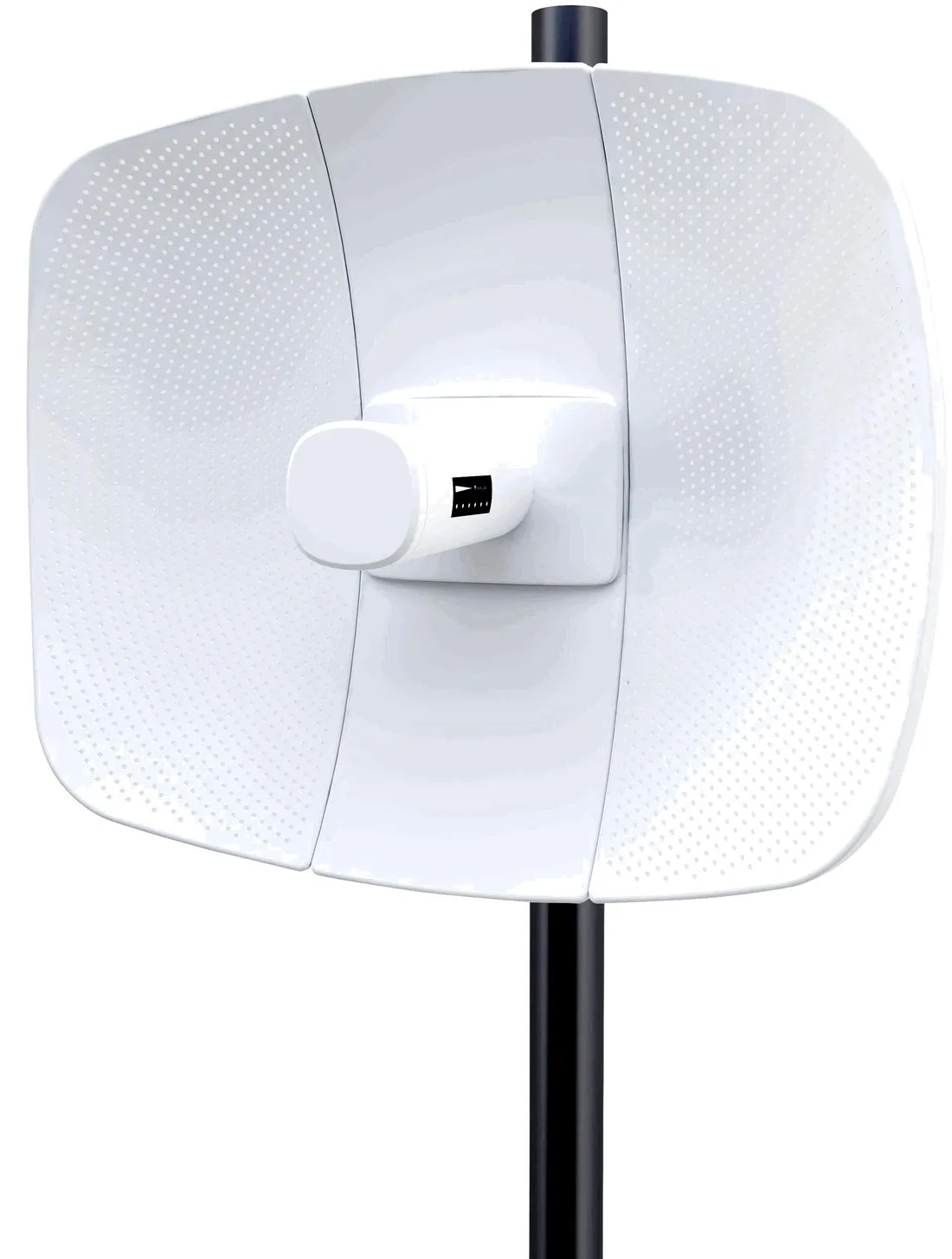
BS-560L
Wireless Bridge / CPE BS-560L with 900Mbps wireless rate, dimensions 395*340*250mm, 24V PoE, for point-to-point links between buildings, cranes and elevators.
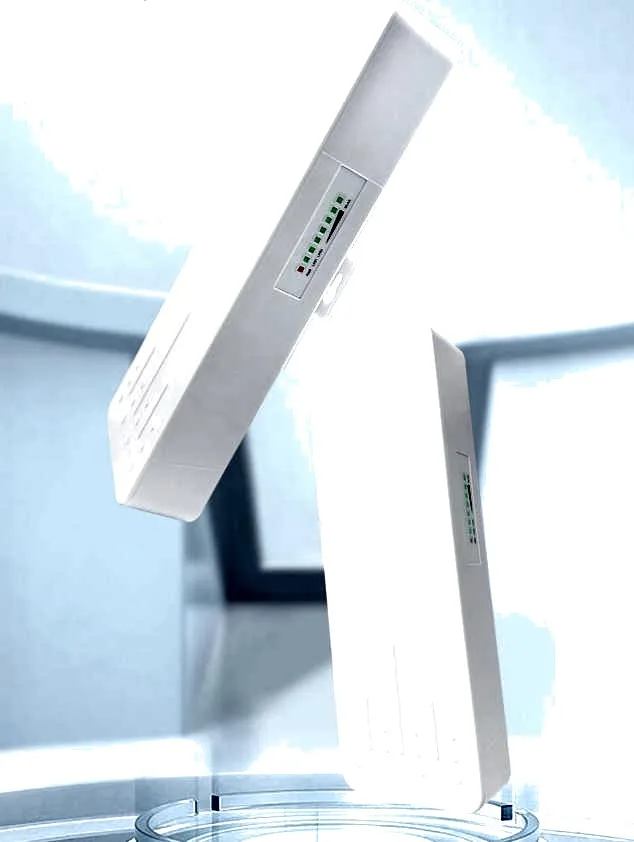
BS-900
Wireless Bridge / CPE BS-900 with 900Mbps wireless rate, dimensions 250*90*60mm, 24V PoE / 12V DC, for point-to-point links between buildings, cranes and elevators.
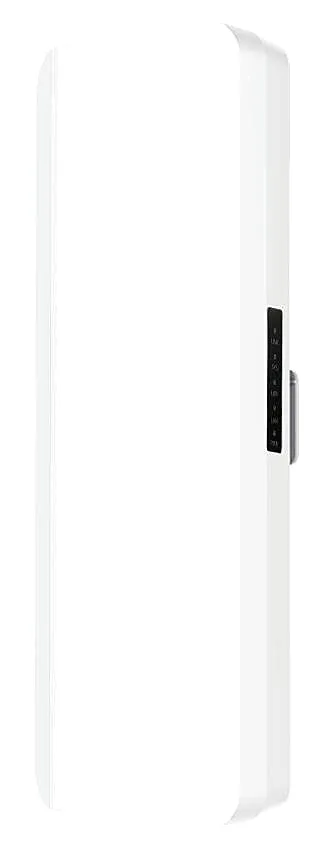
BS-900D
Wireless Bridge / CPE BS-900D with 900Mbps wireless rate, 24V PoE / 12V DC, for point-to-point links between buildings, cranes and elevators.

BS-900G
Wireless Bridge / CPE BS-900G with 900Mbps wireless rate, 24V PoE / 12V DC, for point-to-point links between buildings, cranes and elevators.

BS-900M
Wireless Bridge / CPE BS-900M with 900Mbps wireless rate, 24V PoE / 12V DC, for point-to-point links between buildings, cranes and elevators.
CF-E11
Wireless Bridge / CPE CF-E11 with 2.4GHz: 300Mbps wireless rate, External 4*5dBi antenna, dimensions 150*110*26mm Antenna: 175mm, for point-to-point links between buildings, cranes and elevators.
CF-E112N V2
Wireless Bridge / CPE CF-E112N V2 with 300Mbps wireless rate and 2.4GHz single-band, supports IEEE802.11b/g/n, bulit in9dBi Antennas, dimensions 165*85*43.5mm, for point-to-point links between buildings, cranes and elevators.
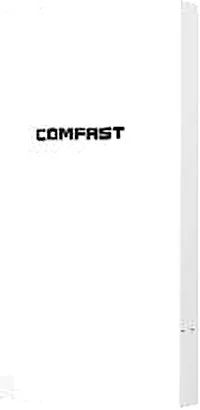
CF-E113A V2
Wireless Bridge / CPE CF-E113A V2 with 300Mbps wireless rate and 5.8GHz dual-band, supports IEEE802.11b/g/n, bulit in 9dBi Antennas, dimensions 165*95*51mm, for point-to-point links between buildings, cranes and elevators.
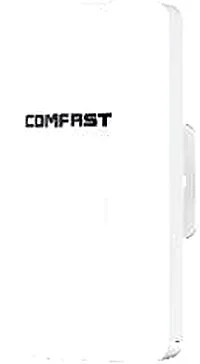
CF-E120A V3
Wireless Bridge / CPE CF-E120A V3 with 300Mbps wireless rate and 5.8GHz dual-band, supports IEEE802.11b/g/n, bulit in 5.8Ghz: 11dBi Antennas, dimensions 165*95*51mm, for point-to-point links between buildings, cranes and elevators.
Related pages
01 What CPE actually is
CPE stands for Customer Premises Equipment: the device on the user's side. In wireless it does one job — turn an upstream network into local Wi-Fi and Ethernet that users can plug into. In projects you meet two kinds. Cellular CPE: the unit has a SIM slot (our CF-E11, CF-E13 and CF-E17 all take a nano SIM) and, once a carrier data card is inserted, converts 4G/5G into Wi-Fi and a wired port. It suits sites where fibre cannot reach, or where you need temporary or backup connectivity. Wireless bridge/CPE: used in pairs, one end on the main network and one at the far end, sending the network over 5.8GHz to the opposite building, a tower crane, an elevator shaft or the other side of a campus — directional units such as BS-900 and CF-E312A V2. So 'CPE' covers both 'SIM-card internet' and 'point-to-point backhaul'. The quickest test is the uplink: a SIM slot means cellular CPE; a unit with only Ethernet ports that must be paired with a peer is a bridge-type CPE. Get this clear and the rest of the selection stays on track.
02 CPE vs wireless router vs wireless bridge
| Aspect | CPE | Wireless router | Wireless bridge / CPE |
|---|---|---|---|
| Primary use | Turn an upstream (cellular or wireless link) into local access | Local dial-up, NAT, DHCP and Wi-Fi coverage | Extend a link point-to-point or point-to-multipoint over distance |
| Upstream source | SIM card (4G/5G) or an upstream wireless link | Ethernet from an ONT or broadband port | The peer bridge (used in pairs) |
| SIM slot | Some models do — CF-E11 / CF-E13 / CF-E17 take a nano SIM | Usually none for cellular | Typically none |
| Typical mount | Desktop indoors or pole-mounted outdoors, model-dependent | Cabinet or desktop | Outdoor pole mount, must be aimed |
| Deployment | One unit | One unit | A pair, or one to many |
| Key selection point | Generation (4G/5G), bands, slot, antennas | Client load, WAN port speed, Wi-Fi standard | Distance, antenna gain, surge and IP rating |
The three are often combined: the bridge/CPE delivers the network to a point, a router or AP distributes it to clients.
03 4G CPE or 5G CPE
Choosing 4G or 5G comes down to what the site can actually receive and how much up/down throughput you need — not to a budget ceiling. 4G (LTE) CPE: the broadest coverage, with usable signal indoors and out in most cities, friendlier on device and data cost, well suited to remote shops, temporary sites, CCTV backhaul and as a backup line for fixed broadband. The trade-off is limited peak rate and concurrency — many users on HD video or a large file transfer will struggle. 5G CPE: where 5G coverage exists it delivers higher downlink and lower latency, suiting live streaming, video backhaul and multi-user cloud work. The precondition is genuine 5G coverage at the site, and these units are more sensitive to antenna placement — deep indoors you often need a window-facing position or an external antenna. Rule of thumb: confirm coverage first (test 4G and 5G signal and speed on a phone at the final mounting spot), then pick the generation; size bandwidth from the number of concurrent users and the actual use; only then choose the model.
04 Band and carrier compatibility: four checks
- Slot type and generation: confirm whether the unit is 4G or 5G and whether the slot is nano or full-size SIM (our SIM models use nano), then match the data card.
- Align the band list line by line: check the target carrier's bands against the model datasheet. Carriers in the same country can differ, and a mismatch shows up as 'signal but no connection'.
- Locking and local compliance: check whether the unit is locked to a carrier and whether it meets the destination country's radio and network-access rules; where certification applies, rely on the documents supplied with the formal quote.
- Multi-carrier and cross-border projects: choose a model whose bands cover more carriers, or use an interchangeable-card approach, to cut the risk of on-site rework.
05 Installation and antennas: from delivery to live
-
1 Test the spot before you climb
Test signal and speed on a phone or test client at the final mounting spot so you do not discover a dead spot after mounting; for point-to-point, confirm clear line of sight (LOS).
-
2 Fix and aim
For bridge-type CPE on a pole or wall, aim at the far end and fine-tune the angle while watching signal strength; the higher the directional gain, the tighter the aiming tolerance.
-
3 Power and cabling
Most models run on PoE (BS series at 24V PoE, CF-E173BE on standard PoE), so one cable carries both power and data; form a drip loop and protect the connector.
-
4 Surge protection and earthing
Pole-mounted outdoor units must be earthed and fitted with surge protection. Several of our outdoor models carry a 2KV surge rating and IP65/IP66/IP67, such as CF-E319A V3 and CF-E173BE.
-
5 Commissioning
Check link rate, loss and channel; confirm association in the management UI, and record the password and firmware version for later maintenance.
06 What matters on outdoor CPE
- Start at IP65; for coastal or high-humidity, high-salt areas choose a higher rating (IP66 / IP67).
- Never skip surge protection and earthing, especially on a pole top or in open terrain.
- Directional antenna gain drives the achievable distance — CF-E319A V3 uses an external 26dBi, CF-E312A V2 a built-in 14dBi; higher gain demands more precise aiming.
- Prefer PoE end to end for power and cabling, minimising extra power boxes on the pole.
- Operating temperature must cover the local extremes; outdoor models are typically in the -10 to 55 degrees Celsius range — verify each datasheet.
- Metal housing and sealing: check that waterproof connectors and port gaskets are all present — a missing part is the most common cause of water ingress.
07 Selection table: match model to scenario
| Scenario | Uplink | Models | Notes |
|---|---|---|---|
| Remote shop or site, SIM internet | 4G cellular (SIM) | CF-E17 / CF-E13 / CF-E11 | Nano SIM slot; CF-E17 is dual-band 2.4G 300M + 5.8G 867M, covering both internet and local Wi-Fi |
| Building-to-building, short to mid range | 5.8GHz wireless bridge | BS-900 / CF-E312A V2 / CF-E313AC V2 | BS-900 is rated 900Mbps with 5.8GHz LOS around 0-4km; CF-E312A V2 has a built-in 14dBi and 2KV-proof IP65 |
| Long-range backbone backhaul | 5.8GHz high-gain bridge | BS-560L / BS-500L | Rated LOS around 0-20km / 0-15km (5.8GHz); pole-mount with precise aiming and proper earthing |
| High-bandwidth outdoor backhaul (Wi-Fi 6/BE) | 5.8GHz high-speed bridge | CF-E173BE | 3600Mbps, 2.4G 11dBi plus 5G 14dBi directional antennas, IP67 and 2KV surge rating |
| Elevator, community, site CCTV backhaul | 2.4 / 5.8GHz bridge | CF-E112N V2 / CF-E314N V2 / CF-E315D | IP65 with surge protection, suited to point-to-point or point-to-multipoint CCTV links |
| Indoor coverage behind the backhaul | Fed by the CPE or bridge | WA-670 / WA-680 / WA-690 / WA-580 | Wi-Fi 6 dual-band ceiling or in-wall APs that turn the backhaul into indoor coverage |
| Outdoor coverage (not point-to-point) | Ethernet / PoE | CF-EW71 V2 | 300Mbps 2.4GHz, external 2x5dBi, IP66, for parks, scenic areas and industrial estates |
Models and figures are drawn from our product library; price and lead time are per the formal quote, and models can be customised for OEM/ODM projects.
08 Two things not to overlook: the rest of the kit and the quote
Two things to remember after choosing the CPE. First, the rest of the kit: the CPE or bridge only delivers the network to the point, and indoor coverage still needs APs — our ceiling models such as CF-E537AC and CF-E550AC, Wi-Fi 6 ceiling APs like MQ-3002, and the WA-580 in-wall AP can take over coverage behind the backhaul, while CF-P25 V2 and CF-P50 wireless adapters add access for desktops and laptops. Second, the quote: set out five things — coverage goal, uplink type, point distance, whether outdoors is needed, and power conditions — and we will recommend models with a formal quote; pricing is always per the formal quote. To go further by direction: SIM-based internet on the 4G CPE page (/cpe/4g-cpe/), high-bandwidth sites on the 5G CPE page (/cpe/5g-cpe/), and pole-mounted outdoors on the Outdoor CPE page (/cpe/outdoor-cpe/).
Questions
Q1 Is a CPE the same as a router?
Not quite. A CPE focuses on turning an upstream (cellular or wireless link) into local access, while a router focuses on local dial-up, NAT/DHCP and Wi-Fi coverage. Many CPEs include routing, combining both roles in one box; decide by the uplink type when buying.
Q2 Can I plug a phone SIM straight into a 4G CPE?
It depends on the slot and the generation. Our SIM models mostly use a nano SIM slot (CF-E11, CF-E13, CF-E17), so a data card of the right size works; before switching carrier, check the bands match.
Q3 Must a wireless bridge/CPE be bought in pairs?
Point-to-point transmission needs both ends paired: one as the master (AP) and one as the client. Models like BS-900 and CF-E312A V2 are simplest in pairs, and one end can also serve several.
Q4 How far can an outdoor CPE reach?
It depends on antenna gain, line of sight (LOS) and interference, not on a single headline figure. BS-560L is rated around 0-20km LOS at 5.8GHz, which is an ideal value over clear, open terrain; leave margin in real deployments and test on site.
Q5 How is pricing handled?
We do not publish pricing; price is per the formal quote for the specific model and configuration. Send us the model, quantity and application and we will return the matching formal quote.
Tell us your coverage goal, uplink type and point distance and we will recommend models with a formal quote. You can also browse the 4G CPE, 5G CPE and Outdoor CPE sub-pages by direction.