Separate 5G from 5GHz: the first is the fifth-generation cellular standard, the second a Wi-Fi band — '5G CPE' means the first
Three checks up front: the carrier's 5G bands, NSA or SA, and whether 4G fallback is needed
A 5G CPE is not a fibre replacement but a complement where fibre cannot reach, speed matters, or redundancy is required
Models in this category
View all 216 models →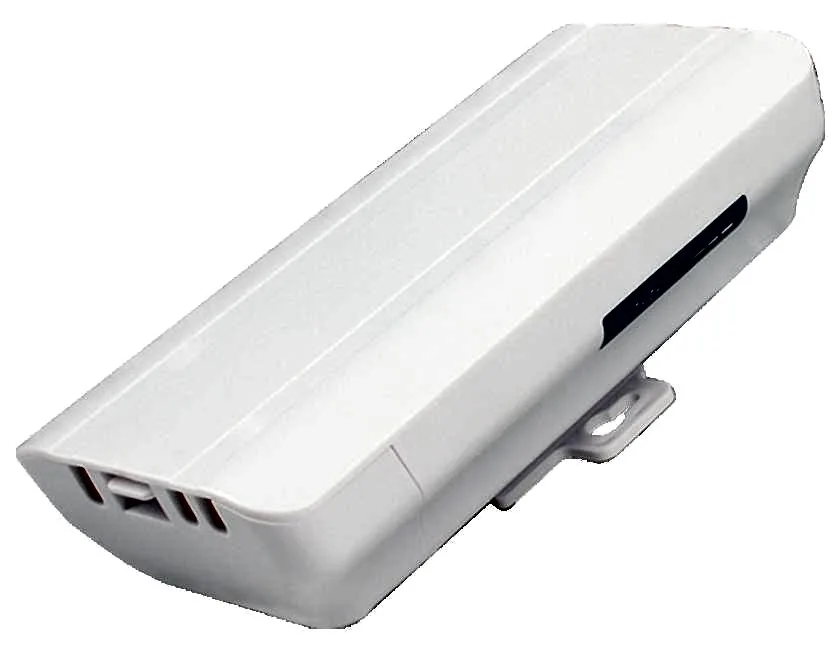
BS-300D
Wireless Bridge / CPE BS-300D with 300Mbps wireless rate and 2.4G single-band, 24V PoE, for point-to-point links between buildings, cranes and elevators.
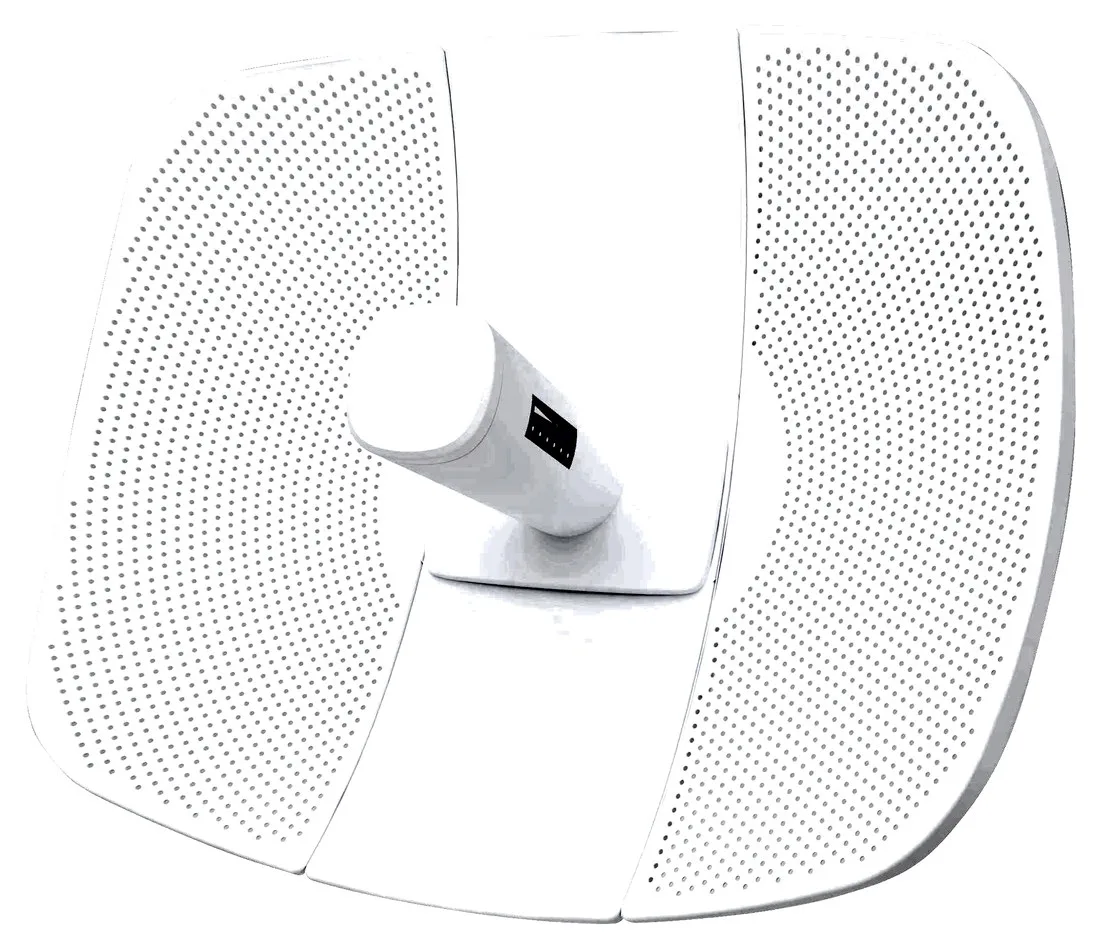
BS-500L
Wireless Bridge / CPE BS-500L with 300Mbps wireless rate, dimensions 395*340*250mm, 24V PoE, for point-to-point links between buildings, cranes and elevators.
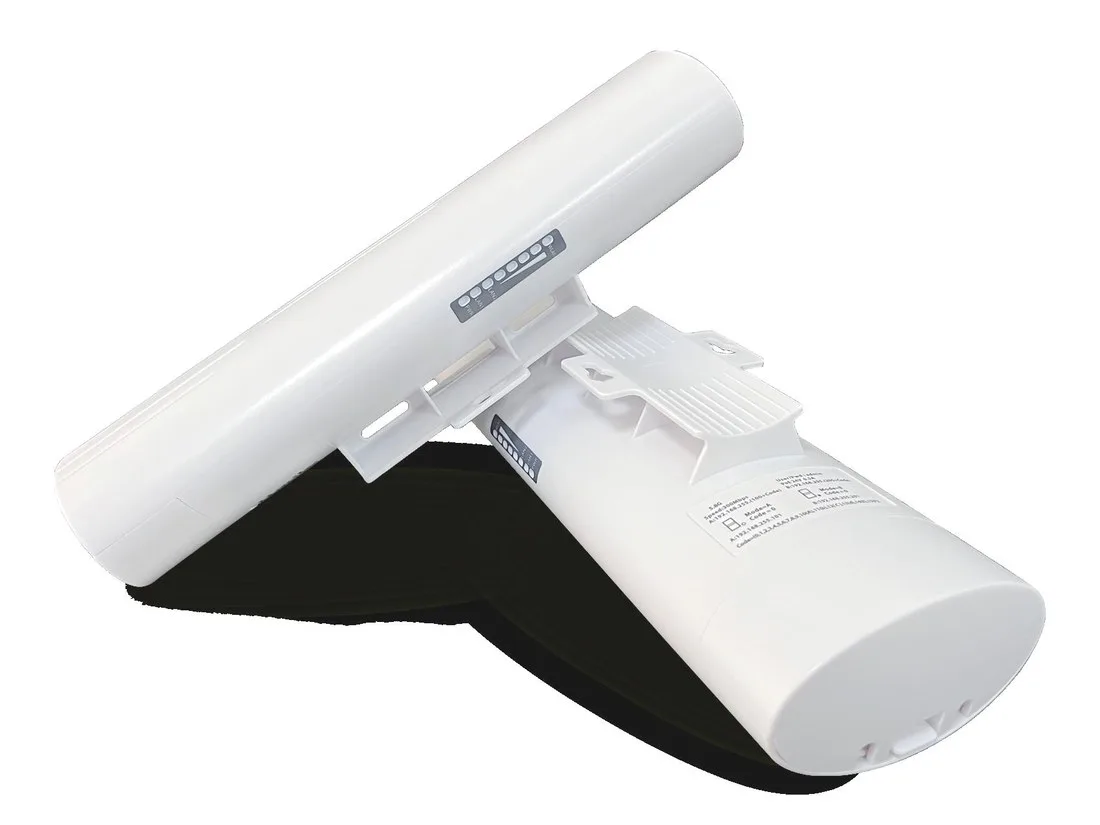
BS-500T
Wireless Bridge / CPE BS-500T with 300Mbps wireless rate, 24V PoE, for point-to-point links between buildings, cranes and elevators.
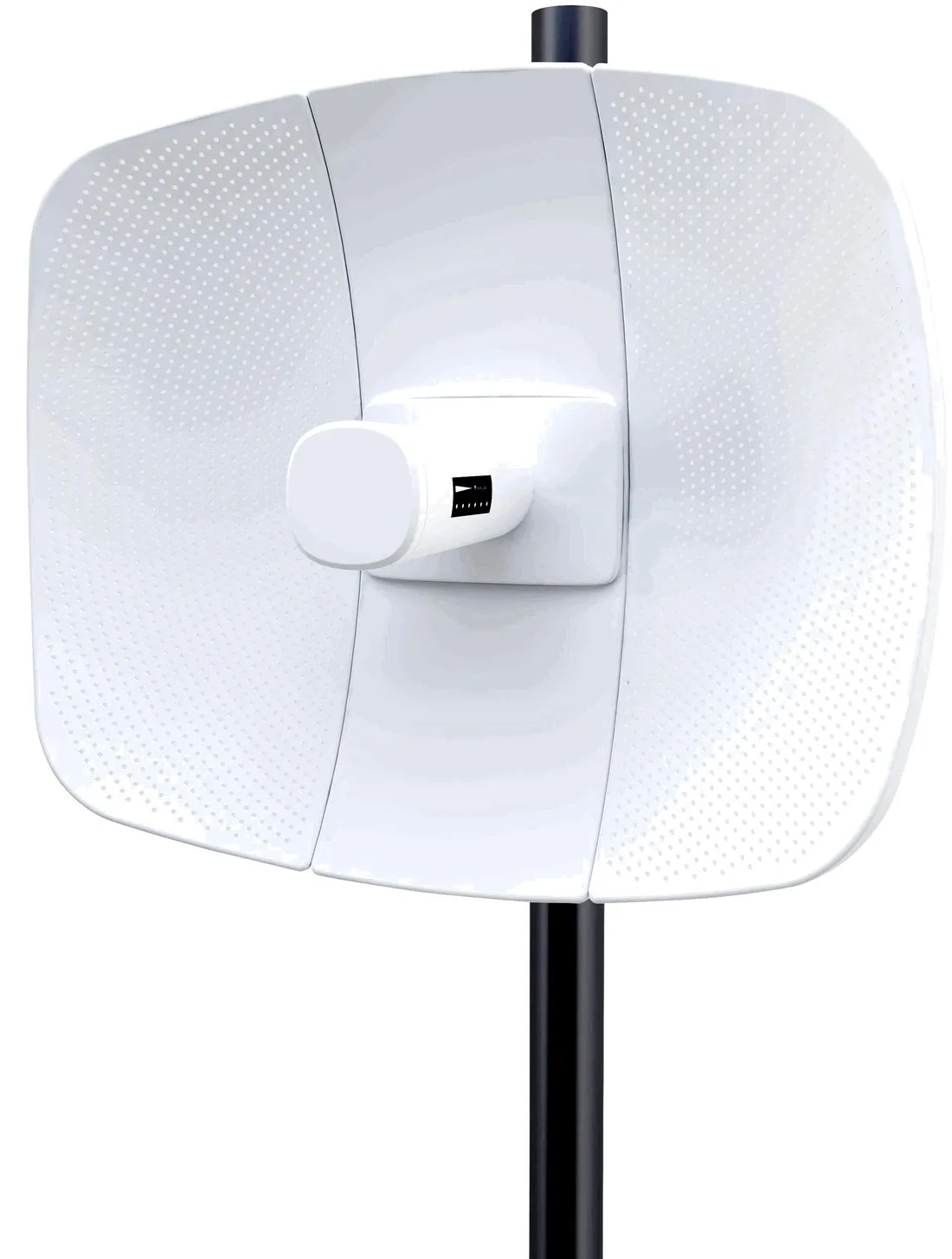
BS-560L
Wireless Bridge / CPE BS-560L with 900Mbps wireless rate, dimensions 395*340*250mm, 24V PoE, for point-to-point links between buildings, cranes and elevators.
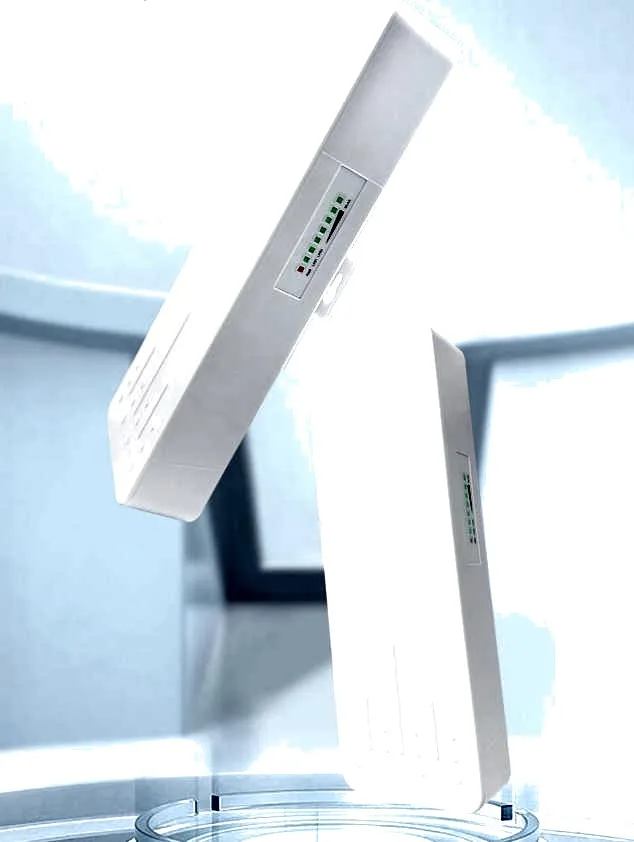
BS-900
Wireless Bridge / CPE BS-900 with 900Mbps wireless rate, dimensions 250*90*60mm, 24V PoE / 12V DC, for point-to-point links between buildings, cranes and elevators.
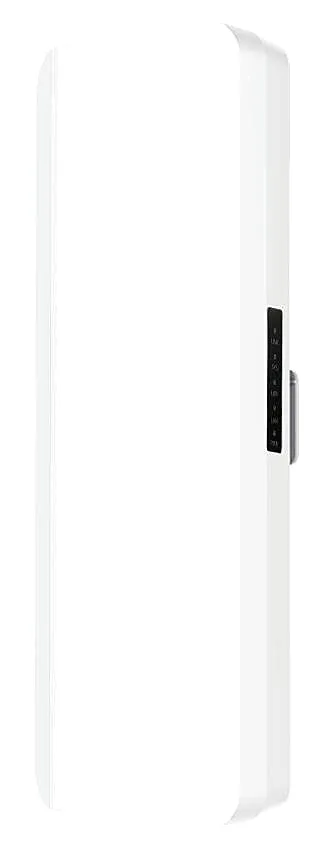
BS-900D
Wireless Bridge / CPE BS-900D with 900Mbps wireless rate, 24V PoE / 12V DC, for point-to-point links between buildings, cranes and elevators.

BS-900G
Wireless Bridge / CPE BS-900G with 900Mbps wireless rate, 24V PoE / 12V DC, for point-to-point links between buildings, cranes and elevators.

BS-900M
Wireless Bridge / CPE BS-900M with 900Mbps wireless rate, 24V PoE / 12V DC, for point-to-point links between buildings, cranes and elevators.
CF-E11
Wireless Bridge / CPE CF-E11 with 2.4GHz: 300Mbps wireless rate, External 4*5dBi antenna, dimensions 150*110*26mm Antenna: 175mm, for point-to-point links between buildings, cranes and elevators.
CF-E112N V2
Wireless Bridge / CPE CF-E112N V2 with 300Mbps wireless rate and 2.4GHz single-band, supports IEEE802.11b/g/n, bulit in9dBi Antennas, dimensions 165*85*43.5mm, for point-to-point links between buildings, cranes and elevators.
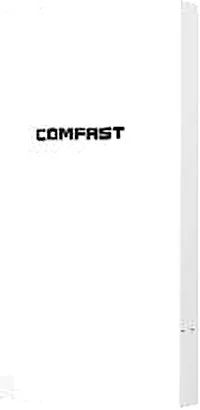
CF-E113A V2
Wireless Bridge / CPE CF-E113A V2 with 300Mbps wireless rate and 5.8GHz dual-band, supports IEEE802.11b/g/n, bulit in 9dBi Antennas, dimensions 165*95*51mm, for point-to-point links between buildings, cranes and elevators.
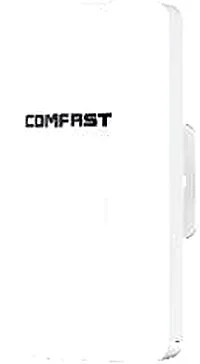
CF-E120A V3
Wireless Bridge / CPE CF-E120A V3 with 300Mbps wireless rate and 5.8GHz dual-band, supports IEEE802.11b/g/n, bulit in 5.8Ghz: 11dBi Antennas, dimensions 165*95*51mm, for point-to-point links between buildings, cranes and elevators.
Related pages
01 What a 5G CPE is — and 5G versus 5GHz
A 5G CPE is a wireless gateway with its own cellular uplink: it has a SIM slot (our SIM models mostly take a nano SIM) and, once a carrier data card is inserted, converts the fifth-generation cellular network (5G NR) into wired Ethernet and Wi-Fi, so cameras, cash registers, laptops and APs can connect directly. CPE (Customer Premises Equipment) in wireless means a box that turns a carrier network into a local one; unlike an ordinary router, its uplink is not a cable but a built-in cellular module and SIM slot. The most confusing part is the name. The 5G in 5G CPE means the fifth-generation cellular standard (5G NR), which is entirely separate from the 5GHz band used by Wi-Fi — a device that supports 5GHz Wi-Fi does not thereby receive 5G cellular, and a 5G CPE's downlink Wi-Fi still depends on which bands it carries. Before buying, confirm whether the uplink is '5G cellular' or a '5GHz wireless link', then choose a model; otherwise you buy in the wrong direction. The value of a 5G CPE comes down to three things: going live quickly where fibre cannot reach; acting as a backup link that takes over automatically when the primary line fails; and providing a high-bandwidth temporary link on a campus, site or exhibition floor that has 5G coverage. It solves not 'is there a cable' but 'can this spot have internet right now'.
02 How 5G CPE and 4G CPE really differ
| Aspect | 5G CPE | 4G CPE |
|---|---|---|
| Standard | 5G NR (fifth-generation cellular), usually backward-compatible with 4G | LTE (4G), with some models backward-compatible with earlier standards |
| Deployment mode | Comes as NSA (non-standalone, anchored on 4G) or SA (standalone, 5G core); which the device supports must be checked against the carrier | Mainly LTE networking |
| Common bands | Mid-band n78 is the most common, n41/n77 in North America, n79 and n1/n3/n28 in some markets — allocations vary by country | LTE bands (B1/B3/B7/B8/B20/B38/B40/B41 and more), country-dependent |
| Rate and latency | Higher downlink and lower latency where 5G coverage exists | Lower peak rate and concurrency, but the broadest coverage |
| Coverage and penetration | Mid-band penetrates and diffracts less than low band; deep indoors it leans on a window position or an external antenna | Wider coverage and better wall penetration, easier to use indoors |
| Sensitivity to antenna placement | Higher; placement strongly affects actual throughput | Relatively insensitive |
| Fallback | Can fall back to 4G with no 5G (device- and carrier-dependent) | Already 4G, usable as the lowest-tier link |
| Typical use | Live streaming, video backhaul, multi-user cloud work, high-bandwidth temporary links | Remote shops, CCTV backhaul, broadband backup, cost-sensitive sites |
This table is general industry guidance; which bands and deployment modes a given model supports must be checked against the target carrier before ordering. We do not promise in advance that any model will work on a specific carrier's network.
03 Bands and carrier whitelists — a pre-order checklist
- Get the carrier's 5G band list first: mid-band n78 (in the 3.5GHz range) is the mainstay, n41/n77 are common in North America, and n79, n1, n3 or n28 appear in some markets. Align that list with the model datasheet line by line — not with the words 'supports 5G'.
- Tell TDD from FDD: n78/n41/n79 are TDD, while n1/n3/n28 are FDD. The device must cover both categories before you can expect full speed on the target network.
- Confirm NSA or SA: whether local 5G is anchored on 4G (NSA) or standalone (SA) decides which modes the device must support and affects latency and features.
- Check the 4G anchor bands: under NSA, 5G needs a 4G anchor, so the device's LTE bands must match too, or you may see '5G shown but no connection'.
- SIM type and lock: confirm nano SIM or eSIM, and whether the unit is locked to a network or an APN; some carrier-customised units need unlocking before they work elsewhere.
- The carrier whitelist is a hard gate: some carriers restrict third-party devices, deferring to their whitelist and certification. Send us the country, carrier and required bands before ordering and we check model by model.
- Multi-country and cross-border projects: favour a model whose bands cover more carriers, or plan an interchangeable-card approach, to cut the risk of on-site rework.
04 5G CPE or fibre to the premises — how to decide
- Fibre available, installable and you need long-term stable bandwidth: make fibre primary and keep the 5G CPE as a backup path.
- Fibre cannot reach, takes too long to provision, or cannot be installed at all: choose the 5G CPE and go live on a SIM.
- High or symmetric uplink needed: fibre is more comfortable; 5G uplink depends on coverage and bands, so leave margin in the plan.
- A stable public IP, fixed addressing or a long-term fixed install: fibre primary, 5G for redundancy.
- Temporary sites, exhibitions, flash stores and seasonal points: a 5G CPE is fast to deploy and just as fast to remove, easing schedule pressure.
- Compare cost on the formal quote: what matters is provisioning time, installation effort and deployment flexibility — not a single headline figure.
05 Indoor and outdoor mounting, cooling and power
- Place it near a window and high up, away from metal cabinets, thick concrete and high-power appliances; the same unit can perform very differently depending on position.
- Cooling matters more than on 4G: the 5G module runs hotter, so do not seal it in a closed cabinet or stack units — leave airflow around it.
- Keep power clean: use the DC, Type-C or PoE the model calls for, and avoid poor adapters that cause under-voltage and reboot loops.
- Outdoor deployment: choose a unit rated IP65 or higher, add surge protection and earthing, and form a drip loop with a protected connector.
- Temperature range: confirm the operating temperature covers local extremes, high and low, and check the datasheet especially for outdoor units.
- Long runs: beyond 100m, or with thin cable, switch to a higher-grade cable or power locally to limit voltage drop.
06 Antennas and signal — 5G is more sensitive
- Mid-band 5G leans more on line of sight and aiming, and attenuates through interiors more than 4G, so plan coverage around the final mounting spot.
- Built-in antennas suit close range; external or directional antennas aim at the base station better, improving deep-indoor and remote points.
- MIMO and multi-band support shape real throughput: 2x2 or better MIMO, on a model covering the target bands, is what actually delivers high downlink.
- Fine-tune the angle degree by degree while watching signal strength; that is usually more effective than swapping hardware.
- Test before you buy: measure 4G and 5G signal and speed at the final spot with a phone or test client, and let the data decide whether an external antenna is needed.
07 Typical scenarios: temporary links, backup and campus infill
- Temporary links: sites, exhibitions and flash stores needing a network for days to weeks — plug in the SIM and power, and pack it away fast.
- Backup link: wired-first with 5G fallback, switching automatically when the primary drops so cash registers, cameras and access control stay online.
- Campus infill: corners, docks and far reaches of an industrial estate with no fibre get an uplink from a 5G CPE.
- Remote unattended points: charging piles, irrigation and street lights with no cable run, where a CPE backhauls the data.
- Live streaming and video backhaul: latency- and uplink-sensitive sites perform better on 5G where coverage allows.
08 Selection table: the models we quote
| Model | Form / role | Key figures (our product library) | Role in a 5G CPE deployment |
|---|---|---|---|
| WA-670 | Ceiling wireless AP | 3000Mbps, 2.4G/5.8GHz, Wi-Fi 6, built-in 2x2.4G + 2x5G antennas, 48V PoE, 184x184x38mm | High-density indoor coverage behind the CPE |
| WA-680 | Ceiling wireless AP | 1800Mbps, 2.4G and 5.8GHz, Wi-Fi 6, 48V PoE, 184x184x38mm | Indoor dual-band Wi-Fi 6 coverage |
| WA-690 | Ceiling wireless AP | 3000Mbps, 2.4G and 5GHz, Wi-Fi 6, built-in 2x2.4G + 2x5G antennas, 48V PoE, 196x196x40mm | Indoor high-density coverage |
| WA-580 | In-wall / panel wireless AP | 1800Mbps, 2.4G and 5.8GHz, Wi-Fi 6, built-in 2x2.4G + 2x5G antennas, 48V PoE, 86x86x40mm | Panel-mounted coverage for guest rooms, apartments and dorms |
| CF-P25 V2 | Wireless adapter | 2.5G RJ45 port, 120x78x63mm | Wired access for desktops and laptops |
| CF-P50 | Wireless adapter | 5G RJ45 port, 120x79x26mm | Wired access for desktops and laptops |
Figures come from our product library; the factory's latest spec governs. The cellular standard (4G/5G) and band support of uplink models must be checked against the target carrier before ordering, and we do not promise in advance that any model will work on a specific carrier's network. SIM-based uplink models are under /cpe/ and /cpe/4g-cpe/; outdoor models under /cpe/outdoor-cpe/.
Questions
Q1 Is the 5G in 5G CPE the same as the 5GHz of Wi-Fi?
No. The 5G in 5G CPE means the fifth-generation cellular standard (5G NR), while 5GHz is a Wi-Fi band — the two are independent. An AP that supports only 5GHz Wi-Fi cannot receive 5G cellular; likewise a 5G-cellular CPE still depends on which Wi-Fi bands it offers downstream. Tell us the use case and we will confirm the uplink (cellular) and downlink (Wi-Fi) separately.
Q2 Can you guarantee my carrier will work?
We cannot promise that in advance. 5G bands are set by the carrier and local licensing, so the same device may or may not work on a given network. Our approach: tell us the country, carrier, whether NSA or SA is needed, and the required bands before ordering, and we check model by model before shipping.
Q3 How do NSA and SA affect my choice of device?
NSA anchors 5G on a 4G core and needs a 4G anchor; SA is standalone 5G, with lower latency and fuller features. Which one applies locally is the carrier's decision, and the device must be checked against it. Under NSA the device's LTE bands must also match, or it cannot attach to the anchor.
Q4 Can a 5G CPE replace fibre broadband?
In most cases it complements rather than replaces fibre. Where fibre exists, can be installed and you need long-term stable bandwidth or a public IP, fibre stays primary with the CPE as backup; where fibre cannot reach, takes long to provision, or bandwidth must be temporary and flexible, a 5G CPE fits better. In the end it comes down to on-site testing and the formal quote.
Q5 Must a 5G CPE be mounted outdoors?
Not necessarily. A window-facing, higher position indoors is often enough, but mid-band 5G penetrates weakly and deep interiors may lack signal — in that case use an external antenna or move the unit to a window. For long-term outdoor deployment choose an outdoor model rated IP65 or higher and add surge protection and earthing.
Send us your country, carrier, required bands and application and we will check model by model before quoting. You can also start from the /cpe/ overview to fix the product form, see /cpe/4g-cpe/ for SIM-based uplink, and /cpe/outdoor-cpe/ for pole-mounted outdoors.