
Product Overview
- Wireless Speed
- 900Mbps
- Power Supply
- 24V PoE / 12V DC
- IP Rating
- IP65
OEM/ODM customization supported · Sample orders accepted
Product Images
Click an image to view the original size

Detailed Specifications
Specifications are transcribed from the factory datasheet of this model.
| Parameter | Value |
|---|---|
| Wireless Speed | 900Mbps |
| Power Supply | 24V PoE / 12V DC |
| IP Rating | IP65 |
Full datasheet available on request
Product Description
BS900M Product Overview Dual Gigabit Port Digital Wireless Bridge No Setup BS900M uses MediaTek engineering-grade chips, with stable and reliable performance. 5.8GHz working frequency band, up to 900Mbps wireless transmission rate, strong anti-interference ability and stable transmission; Using high-power circuit design and built-in high-gain directional antenna, the transmission distance is longer.
Point-to-point bridge POE/DC power supply 5KM transmission distance Interface description: Digital display Digital switch key/Reset key DC power interface LAN port LAN port Toggle switch (A/B) WIRELESS Can be wall-mounted or fixedly installed on a pole Supports 24V PoE power supply and 12V DC power supply 5KM Adopts outdoor rainproof design, IP65 protection level, rainproof, dustproof, windproof, and sunproof Suitable for various outdoor scenarios, such as: elevator monitoring, outdoor construction site monitoring, tower crane monitoring
Series positioning
Middle of the series — the usual balance point for standard guest-room and office coverage.
BS-900M · 6/22 · 900Mbps · —
Compare within the series
Values below are taken from the manufacturer datasheet. A blank cell means the manufacturer does not publish that parameter for the model.
Deployment reading for this category
Recommended solution
Campus & Dormitory WiFi Coverage
Ceiling APs per teaching floor, in-wall APs per dormitory room, and outdoor APs with bridges linking classrooms, dormitories and sports fields into one network.
/solutions/campus/Technical note
Antenna Types — Omni, Directional and Sector
The antenna decides where the energy goes. Omni for point-centred coverage, directional for links and distance, sector for corridors and large flat areas.
/knowledge/antenna-types/Technical note
Default IP Address of Access Points — How to Find It
Management addresses differ by vendor and by batch. The reliable approach is not memorising a table but knowing three methods: read the label, read the gateway, or factory reset.
/knowledge/default-ip-address/Related Products
View Similar Products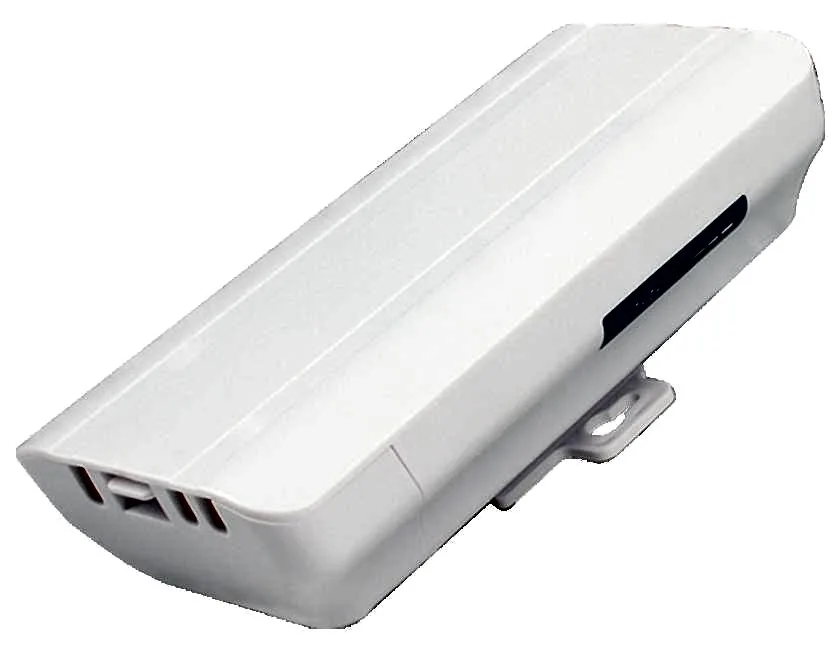
BS-300D
Wireless Bridge / CPE BS-300D with 300Mbps wireless rate and 2.4G single-band, 24V PoE, for point-to-point links between buildings, cranes and elevators.
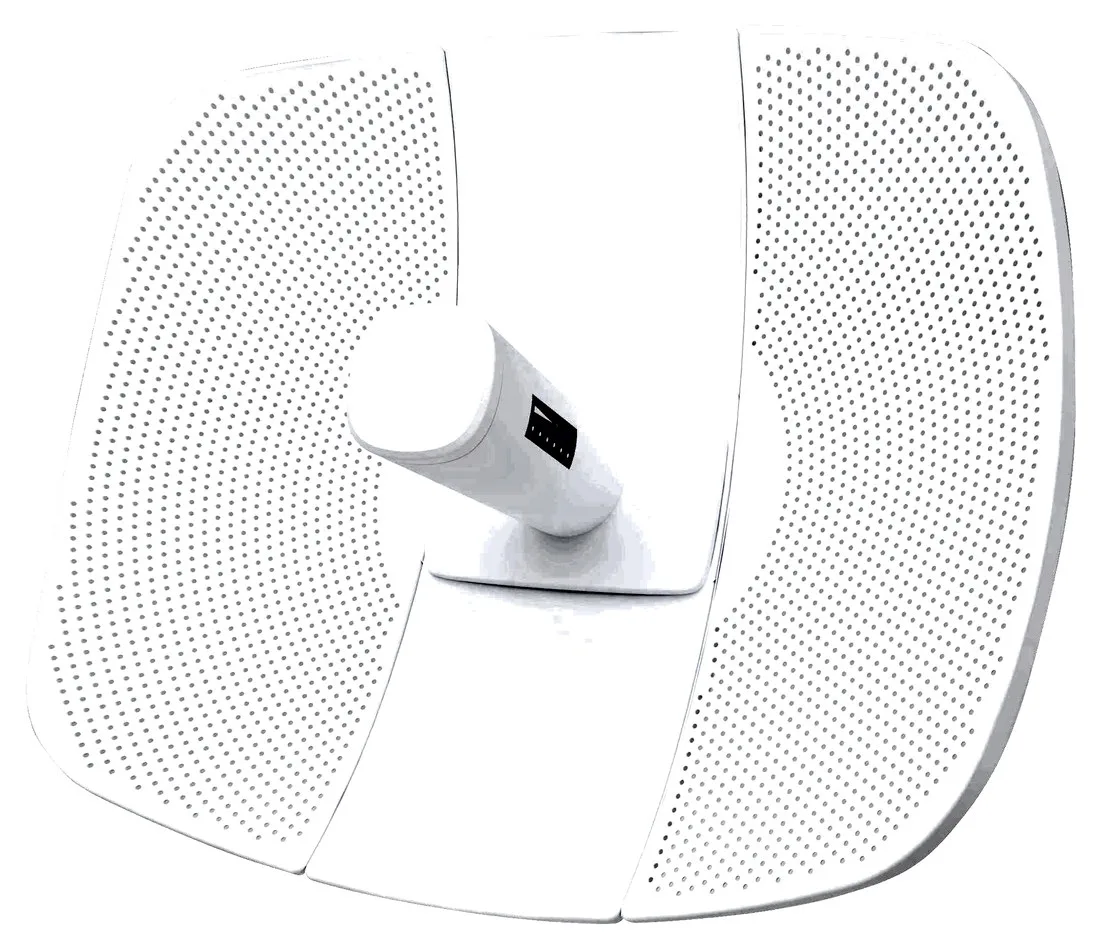
BS-500L
Wireless Bridge / CPE BS-500L with 300Mbps wireless rate, dimensions 395*340*250mm, 24V PoE, for point-to-point links between buildings, cranes and elevators.
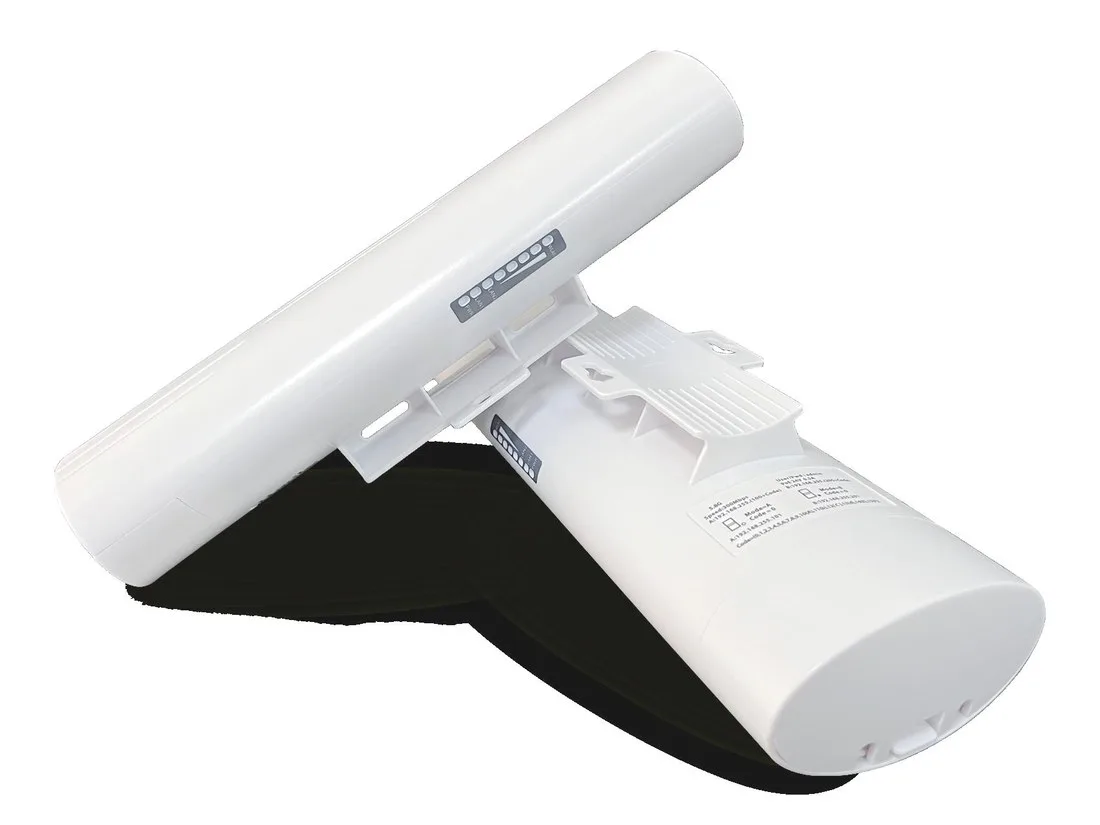
BS-500T
Wireless Bridge / CPE BS-500T with 300Mbps wireless rate, 24V PoE, for point-to-point links between buildings, cranes and elevators.
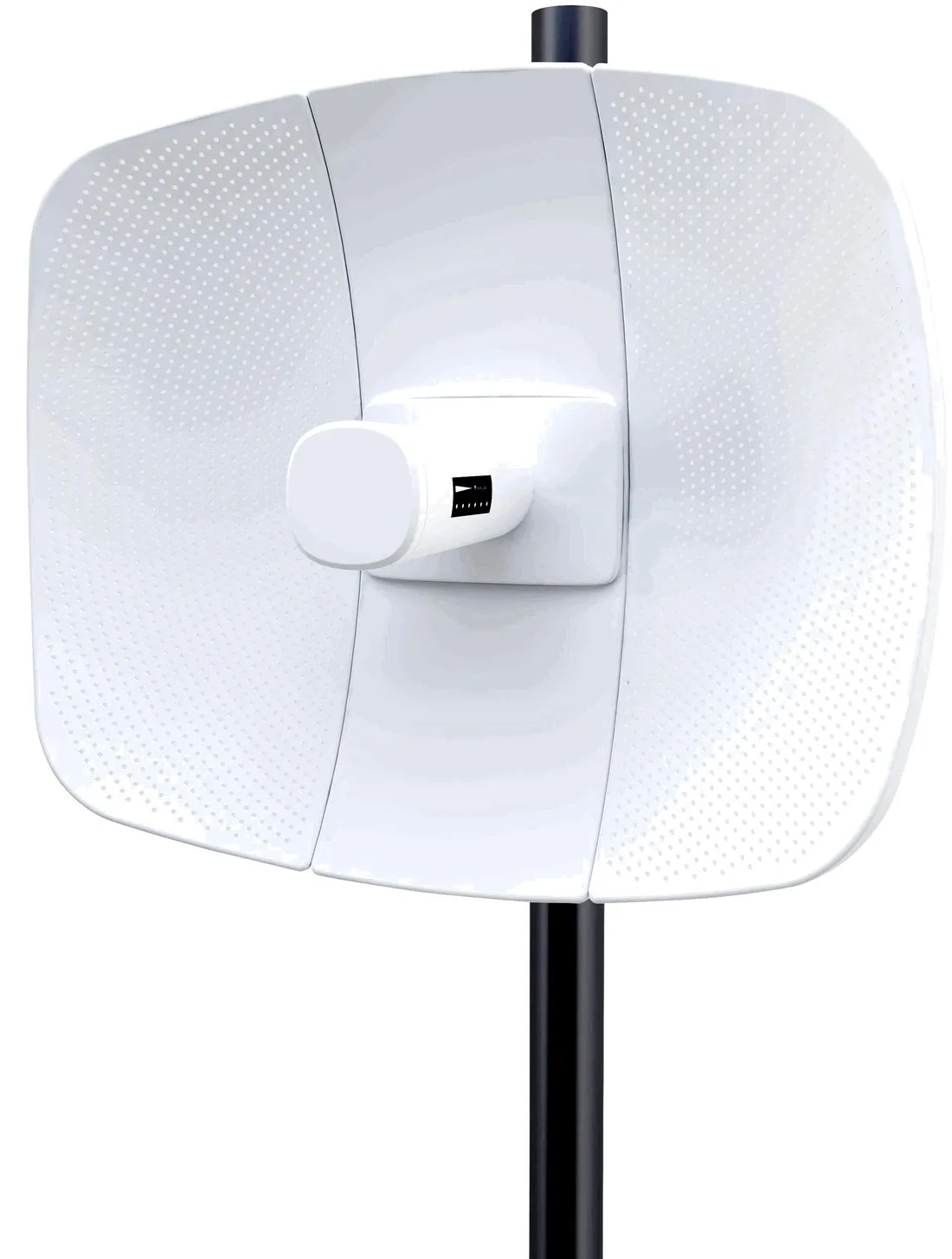
BS-560L
Wireless Bridge / CPE BS-560L with 900Mbps wireless rate, dimensions 395*340*250mm, 24V PoE, for point-to-point links between buildings, cranes and elevators.