At a Glance
System build
Ceiling Wireless AP + In-wall Wireless AP + Switch / Gateway / AC Controller
Key models
Requirements
5items
Acceptance checks
3items
Scenario Images
Key Pain Points
- Mass drop-outs when the outpatient peak floods the network
- Nurse PDAs drop between corridor and ward, forcing repeat scans
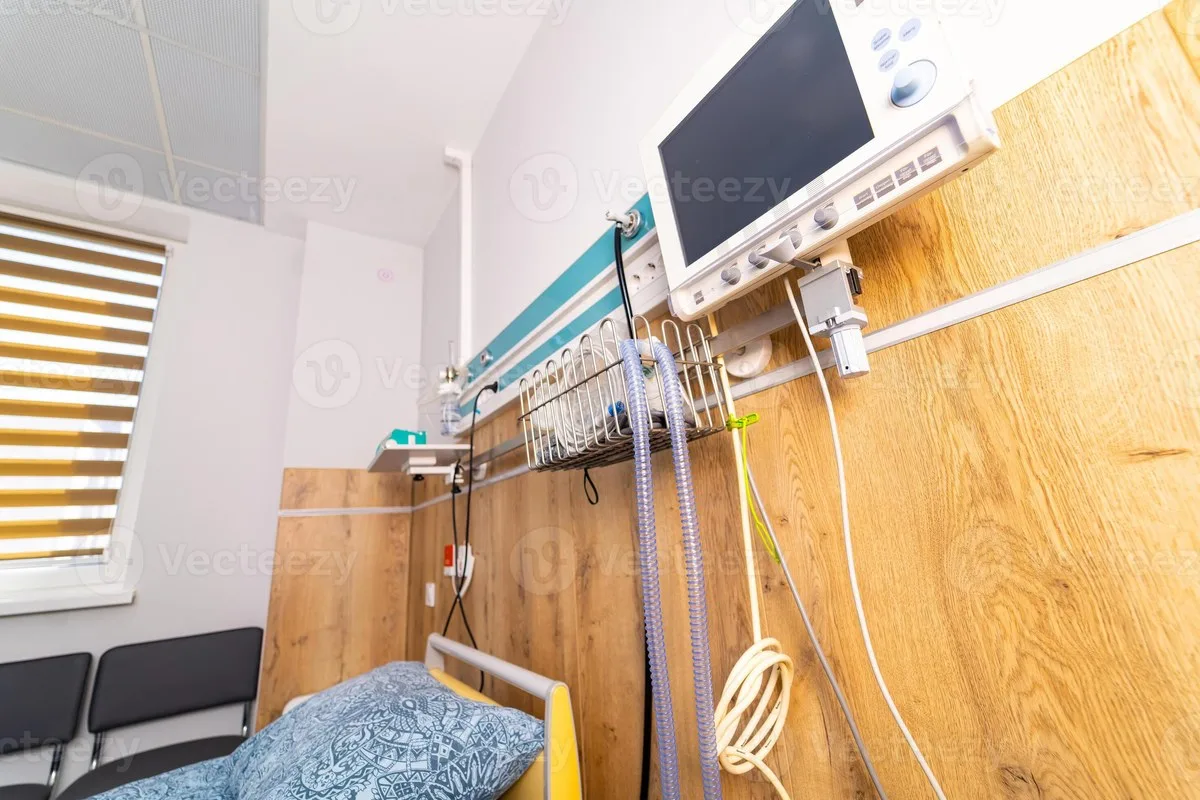
- Weak signal at the bedside forces mobile nursing to work near the door
- Metal-dense imaging and laboratory areas leave blind spots when APs are placed from drawings
- Guest and clinical traffic share one network, a compliance risk
Solution Architecture
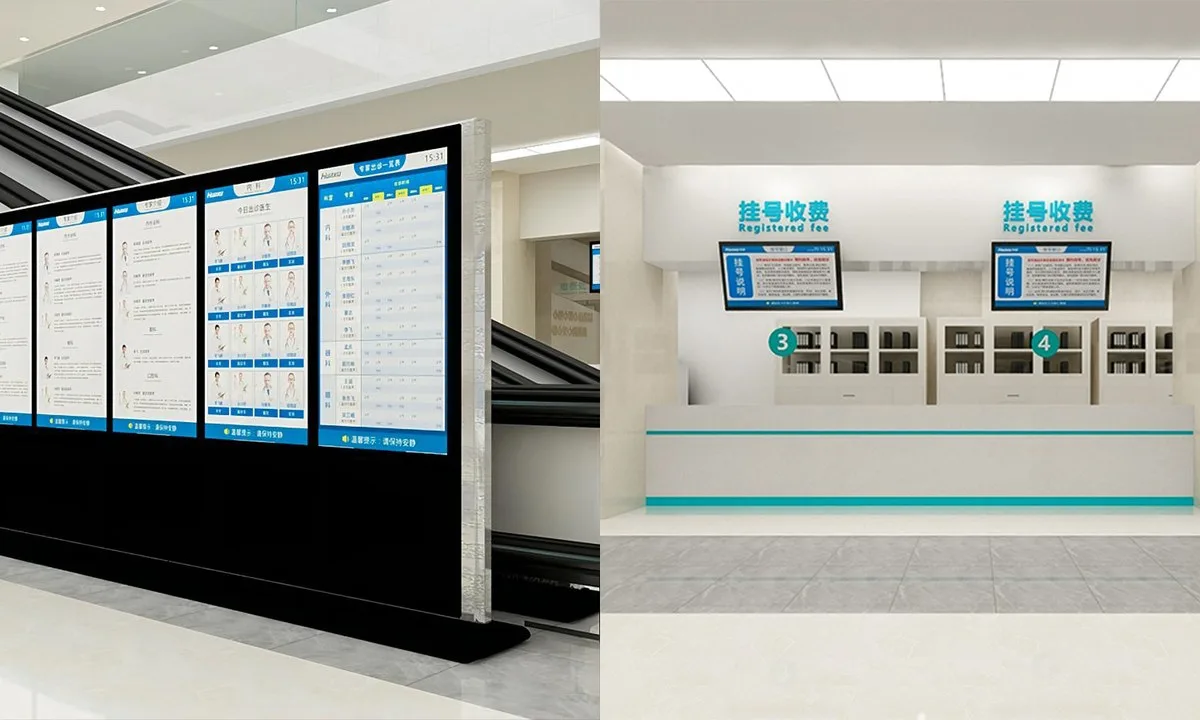
- Outpatient areas: a dense ceiling AP grid with reduced transmit power to shrink cells and cut co-channel interference
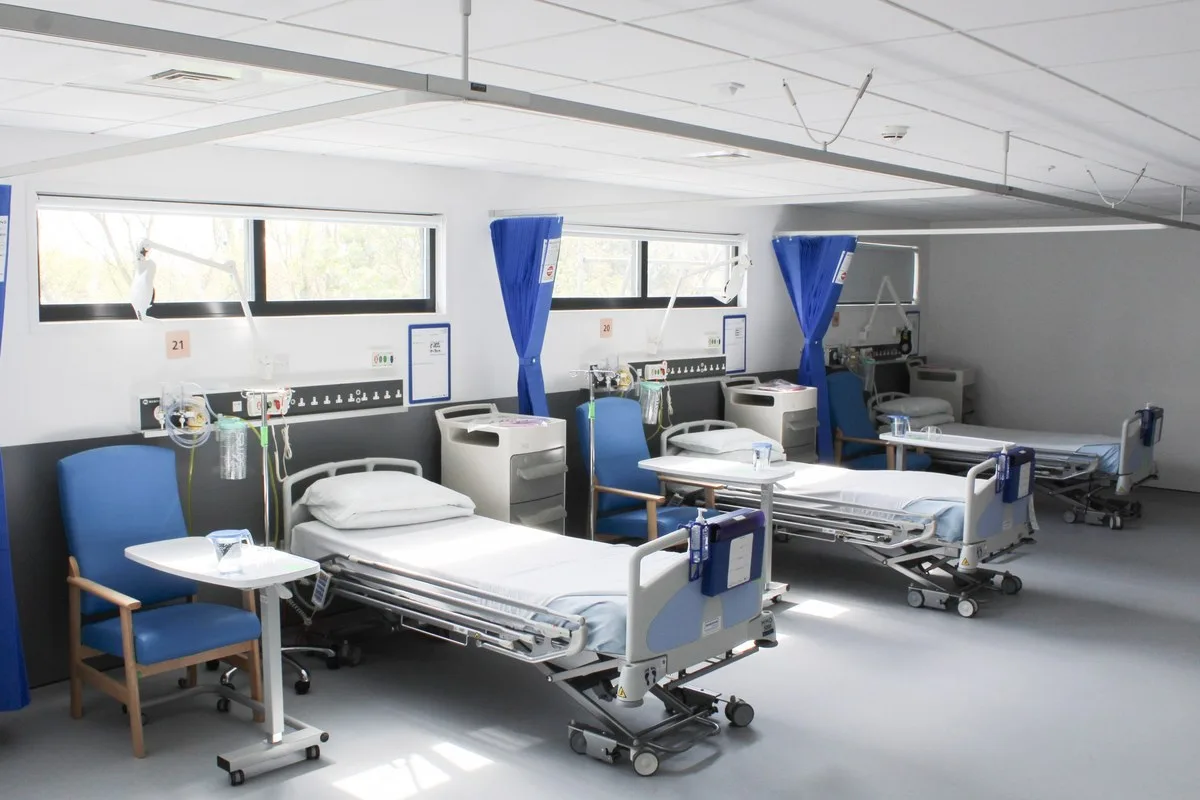
- Wards: one in-wall AP per room with corridor ceiling APs forming the roaming layer
- Mobile nursing: a dedicated PDA SSID with low rates disabled and a minimum-rate floor to stop sticky clients
- Management: the AC pushes per-zone policy, isolating clinical, administrative and guest networks by VLAN
- Compliance: RF power controlled to hospital EMC requirements, with an interference assessment before go-live
On This Page
Requirement Breakdown
Figures below are design assumptions for sizing, not measured site data — confirm against the actual site before ordering.
- 01Outpatient hall and waiting areas: high density, one AP per 60–80㎡ with power deliberately reduced to shrink the cell.
- 02Wards: one in-wall AP per room, or one ceiling AP per two rooms, allowing for bed-head trunking and metal partitions.
- 03Mobile nursing (PDA / bedside carts): roaming must be transparent — 802.11k/v/r with no service interruption during handover.
- 04Imaging and laboratory areas: large metal equipment and shielding mean coverage must be surveyed before the positions are fixed.
- 05Compliance: wireless equipment must not disturb medical devices, with RF power controlled to the hospital's EMC requirements.
Zones & Topology
01
Outpatient areas: a dense ceiling AP grid with reduced transmit power to shorten the cell radius and cut co-channel interference.
02
Wards: corridor ceiling APs combined with in-room in-wall APs give continuous coverage within each nursing unit.
03
A dedicated PDA SSID with low rates disabled and a minimum-rate floor suppresses sticky-client behaviour during roaming.
04
Management: the AC gateway configures by zone, isolating clinical, administrative and guest networks on separate VLANs.
Standard Topology
Recommended Configuration
Dual-band 3000M ceiling AP, workhorse for high-density outpatient areas
 WA-590In-wall Wireless APWards, one per room
Dual-band 3000M in-wall panel AP for uniform in-ward coverage
View Details CF-E390AXCeiling Wireless APCorridors / nursing units
Dual-band 1800M ceiling AP linking corridors and nursing units
View Details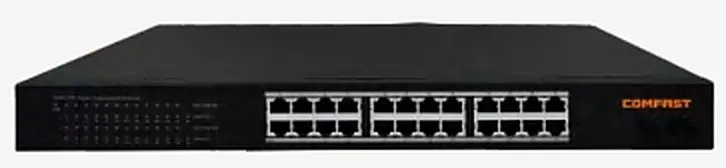 CF-SG1241PSwitch / Gateway / AC ControllerPer floor
24-port full-gigabit PoE switch for floor access and power
View DetailsAC gateway supporting 256 APs in an active/standby pair
Configuration list as a table
| Model | Quantity | Purpose |
|---|---|---|
| CF-E593AX | Outpatient and waiting areas, one per 60–80 sqm | Dual-band 3000M ceiling AP, workhorse for high-density outpatient areas |
| WA-590 | Wards, one per room | Dual-band 3000M in-wall panel AP for uniform in-ward coverage |
| CF-E390AX | Corridors / nursing units | Dual-band 1800M ceiling AP linking corridors and nursing units |
| CF-SG1241P | Per floor | 24-port full-gigabit PoE switch for floor access and power |
| CF-AC300 | 1+1 redundant (large campuses) | AC gateway supporting 256 APs in an active/standby pair |
Key Technical Points
- PDA roaming failures usually come from sticky clients,disable low rates, set a minimum rate floor and keep adjacent AP power similar so handover triggers at the right moment.
- Wards must not be covered by brute-force high power,adjacent rooms interfere with each other and may affect nurse-call and monitoring links.
- Metal-dense areas (imaging,laboratory lines) must be surveyed on site rather than placed from drawings.
- Clinical and guest networks must be isolated at layer 2 so patients cannot reach internal devices.
Installation & Commissioning
- Work outside clinic hours and cut over zone by zone; imaging areas require hospital supervision during work.
- Keep APs clear of medical gas lines,nurse-call trunking and clean-room supply diffusers.
- Set corridor AP power 3–6dB below public-area levels to reduce interference between wards.
- Before handover,measure in wards, corridors and nurse stations, and record PDA handover latency while walking.
Where These Projects Most Often Go Wrong
- Sizing like a normal office,the outpatient peak causes mass drop-outs and PDAs reconnect repeatedly while moving.
- Covering wards through walls from the corridor,weak signal at the bedside forces staff to work near the doorway.
- Deploying high-power equipment without an EMC assessment,may disturb wireless links used by monitoring devices.
- Guest and clinical networks not isolated,a data-security and compliance risk.
Acceptance Criteria
- 5GHz ≥ -67dBm in wards (≥ -70dBm at the bedside) and ≥ -65dBm in high-density outpatient areas.
- PDAs keep working while moving within a nursing unit,with recorded and authenticated-once handovers.
- The hospital's EMC tests pass with no observed effect on medical devices.
Sizing Rule & Pricing
Sizing rule: outpatient APs = area ÷ 60–80㎡; ward APs = number of wards (or half that using ceiling APs); PoE switches = total APs ÷ usable PoE ports × 1.2. Contact us for current pricing.
Send us your floor plan or site conditions and we will return a configuration list.