At a Glance
Scenario Images
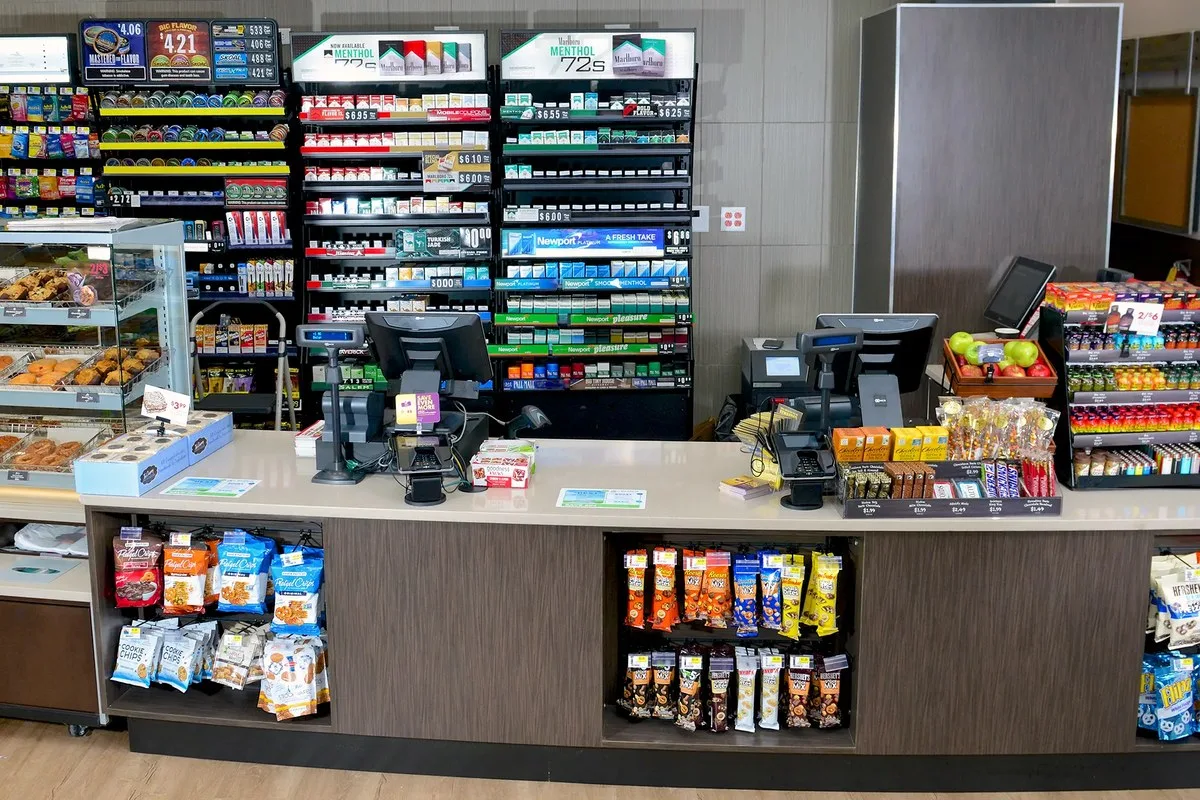
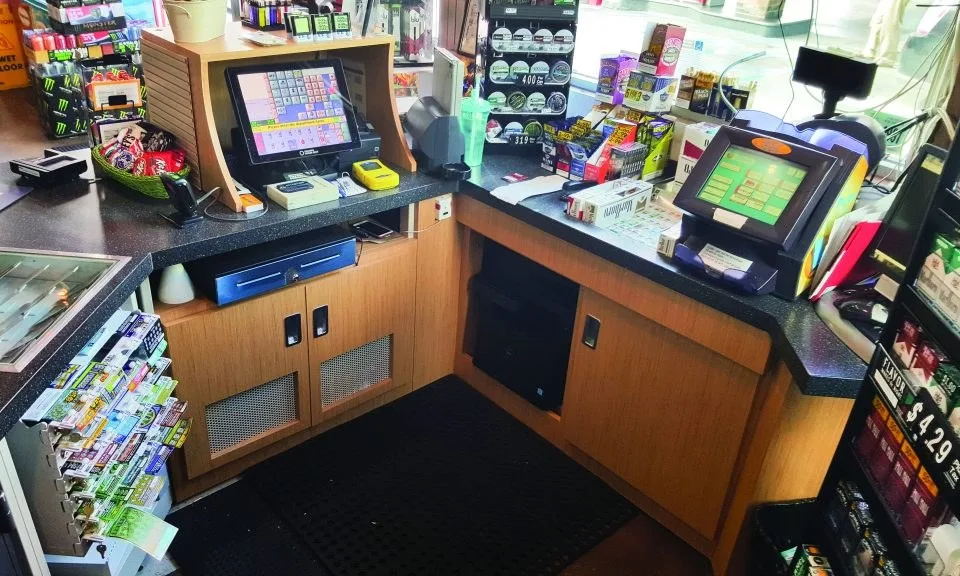
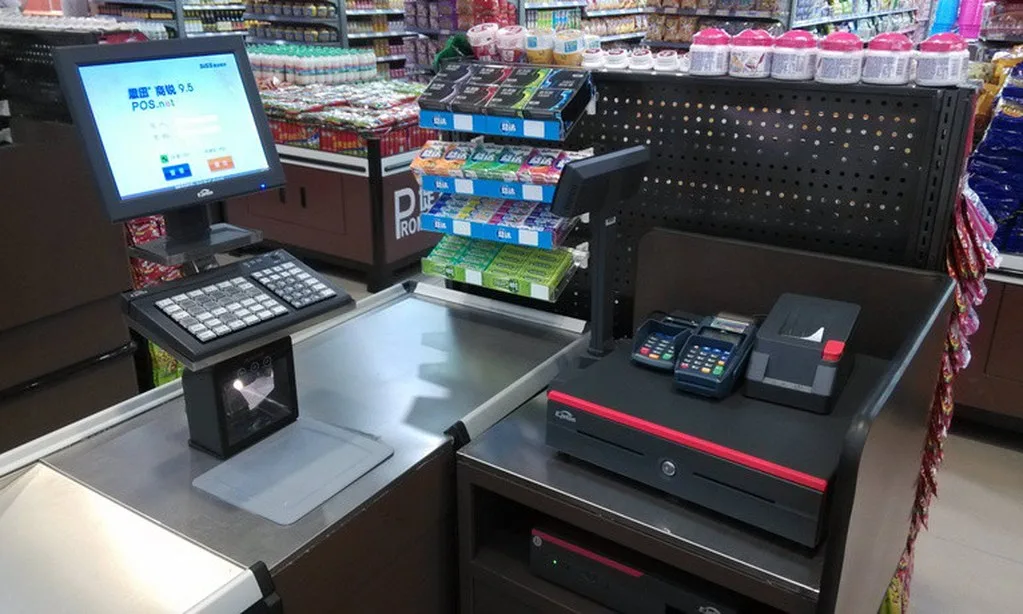
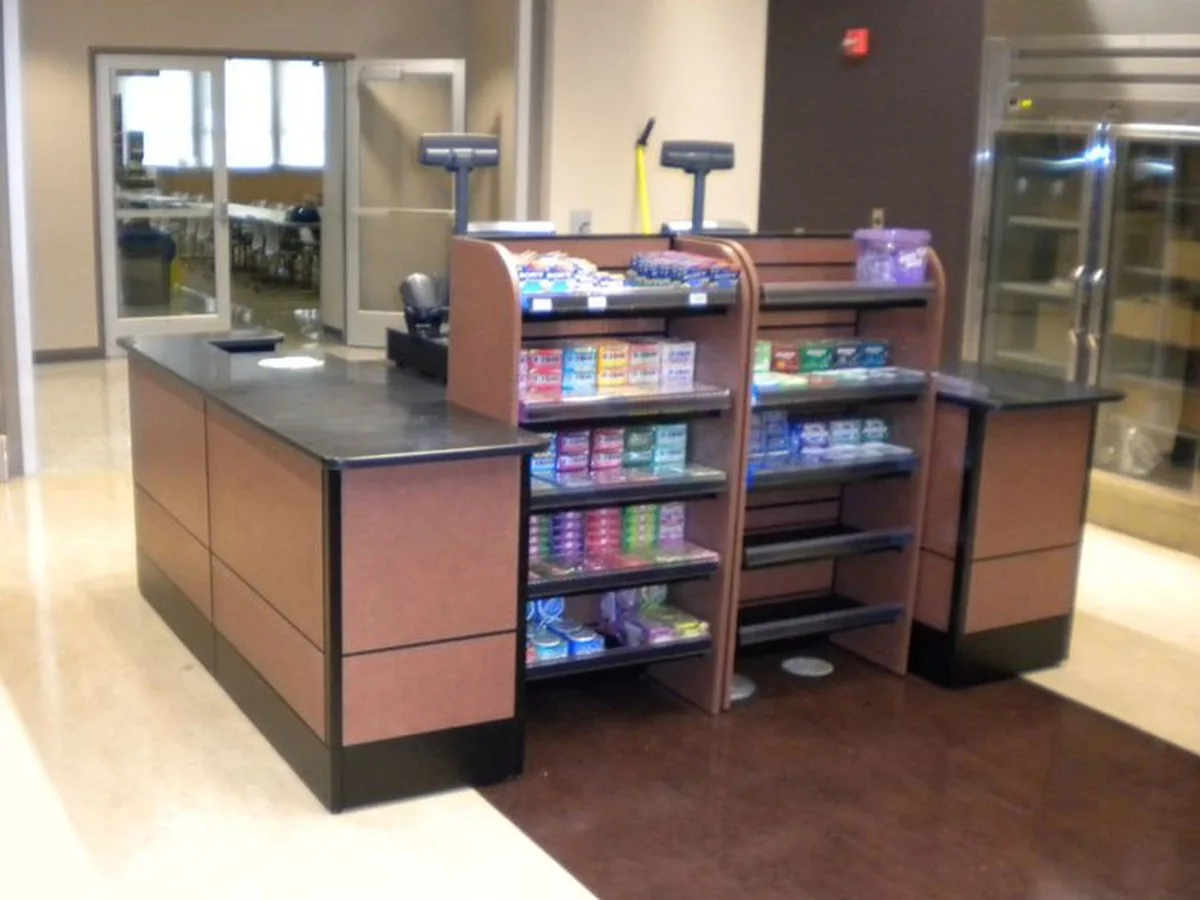
Key Pain Points
- Crowded zones collapse first on promotion days, stalling mobile payments
- POS shares the guest network, so odd guest traffic disrupts the tills
- Configuring stores one by one — an SSID change means logging into dozens of sites
- Kitchen grease and heat keep AP failure rates high
Solution Architecture
- Sales floor: ceiling APs at 60–100㎡, densified at promotion zones and checkouts
- Stockroom and checkouts: dedicated APs with POS on its own SSID and VLAN, isolated from guests at layer 2
- Marketing: portal authentication integrated with SMS or WeChat, with per-store landing pages
- Store access: PoE switches power the APs while the store gateway handles local forwarding and egress
- Head office: the AC groups stores and pushes SSID, channel, rate-limit and portal templates
On This Page
Requirement Breakdown
Figures below are design assumptions for sizing, not measured site data — confirm against the actual site before ordering.
- 01In-store coverage: about 60–100㎡ per AP, with extra points at checkouts, stockrooms and food-service areas.
- 02Concurrency: 30–80 concurrent devices (customer handsets plus POS, scanners and electronic shelf labels).
- 03Authentication and marketing: portal login (SMS, WeChat or one-click) with per-store landing pages.
- 04Multi-site management: head office needs visibility of AP uptime and client counts per store with centralised configuration.
- 05POS isolation: tills must sit on a dedicated SSID and VLAN that the guest network cannot reach.
Zones & Topology
01
In store: ceiling APs cover the sales floor with denser points in the stockroom and at checkouts.
02
Store egress: the store router or gateway handles broadband access and local forwarding, with APs powered from a PoE switch.
03
Management: the AC gateway or cloud platform groups stores and pushes template configuration.
04
Marketing layer: portal authentication integrates with SMS or WeChat and hosts per-store landing pages.
Standard Topology
Recommended Configuration
Dual-band 3000M ceiling AP for high-density sales floors
 CF-E390AXCeiling Wireless APStockroom / checkout
Dual-band 1800M ceiling AP for stockroom and checkout areas
View Details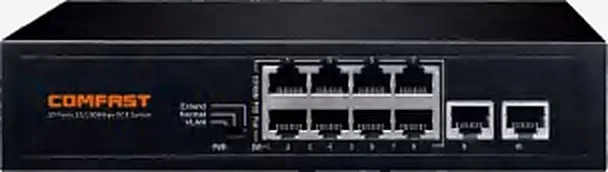 CF-SG181PSwitch / Gateway / AC ControllerOne per store
8-port full-gigabit PoE switch for in-store access and power
View DetailsAC gateway for multi-store management and configuration push
Configuration list as a table
| Model | Quantity | Purpose |
|---|---|---|
| CF-E593AX | Sales floor, one per 60–100 sqm | Dual-band 3000M ceiling AP for high-density sales floors |
| CF-E390AX | Stockroom / checkout | Dual-band 1800M ceiling AP for stockroom and checkout areas |
| CF-SG181P | One per store | 8-port full-gigabit PoE switch for in-store access and power |
| CF-AC300 | One at head office (multi-store) | AC gateway for multi-store management and configuration push |
Key Technical Points
- POS and guest traffic must be isolated,it is a security requirement and also stops odd guest traffic from affecting the tills.
- Design capacity for the busiest hours — weekends and promotions — not the average.
- Templated multi-store configuration,SSID, channels, rate limits and portal pages should all be changeable globally rather than store by store.
- Keep APs away from kitchen grease and heat,clogged vents push failure rates well above the sales floor.
Installation & Commissioning
- Mount ceiling APs in the sales-floor ceiling,clear of directly above metal racking and LED strip drivers.
- Where electronic shelf labels (proprietary 2.4GHz) coexist with Wi-Fi,survey first to see which channels they occupy.
- Test tills and scanners statically and for short-range roaming to confirm no dropped transactions.
- Load-test the portal,at opening many customers authenticate at once, so confirm the authentication server's capacity.
Where These Projects Most Often Go Wrong
- Guest and POS networks not isolated,one misbehaving guest device can stall the tills.
- Sizing on average floor area,the crowded zone collapses first on promotion days.
- APs in kitchens,grease and heat cause frequent lock-ups.
- Configuring stores one by one,a single SSID change means logging into dozens of sites and is easy to get wrong.
Acceptance Criteria
- 5GHz ≥ -67dBm on the sales floor and ≥ -65dBm at checkouts.
- The design client count is reached at peak with no POS timeouts.
- Guest clients cannot reach POS or internal systems,and portal authentication meets its success-rate target.
Sizing Rule & Pricing
Sizing rule: per-store APs = sales area ÷ 60–100㎡ plus stockroom and checkout points; one PoE switch per store; AC sized by store count. For chains, send us the store count and typical floor area for volume pricing.
Send us your floor plan or site conditions and we will return a configuration list.