At a Glance
System build
Ceiling Wireless AP + In-wall Wireless AP + Outdoor Wireless AP + Wireless Bridge / CPE
Key models
Requirements
5items
Acceptance checks
3items
Scenario Images
Key Pain Points
- High concurrency in dormitories at night, hard to unify authentication and rate policy
- Thick walls between classrooms block signal
- Sports fields and plazas have no coverage
- Cabling between buildings is expensive
Solution Architecture
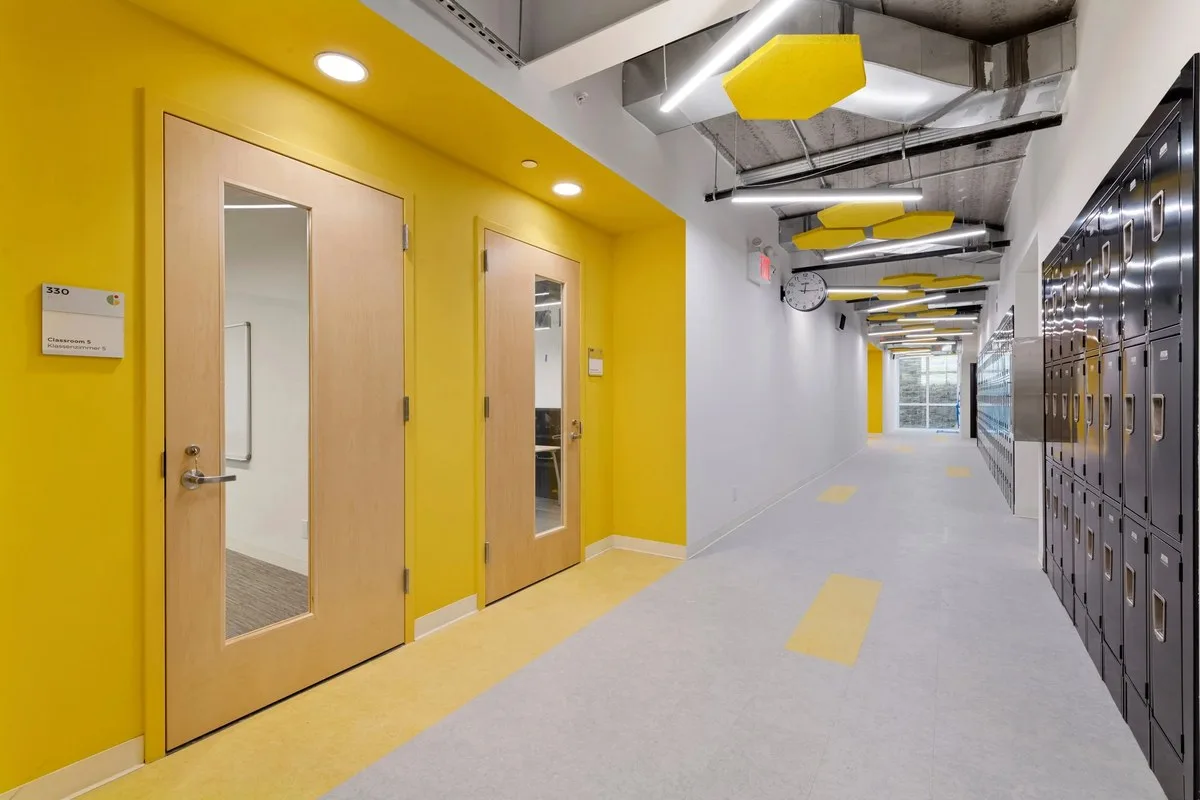
- Classrooms: corridor ceiling APs covering 2–3 rooms each
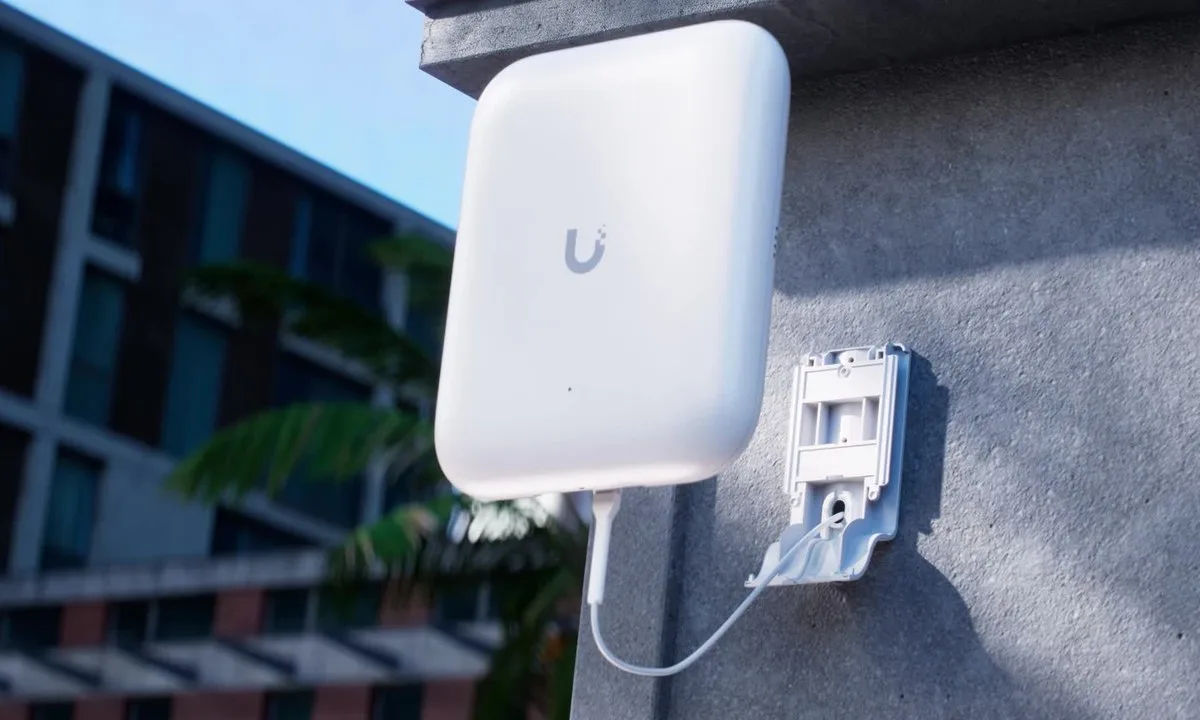
- Dormitories: in-wall panel AP per room with downlink port
- Outdoor: IP66 outdoor APs covering fields and plazas
- Building links: wireless bridges replacing inter-building fibre
- Management: AC gateway pushes per-area policies with authentication integration
On This Page
Requirement Breakdown
Figures below are design assumptions for sizing, not measured site data — confirm against the actual site before ordering.
- 01Teaching buildings: one AP per 2–3 standard classrooms; lecture halls and computer labs get 1–2 dedicated APs.
- 02Dormitories: one in-wall panel AP per room, sharing the existing outlet position.
- 03Outdoor: sports fields, plazas and main walkways at 300–500㎡ per outdoor AP.
- 04Building links: where the span exceeds 300m and trenching is impractical, use a wireless bridge instead of fibre.
- 05Authentication and rate control: dormitory peaks need per-account rate limits and session-count caps.
Zones & Topology
01
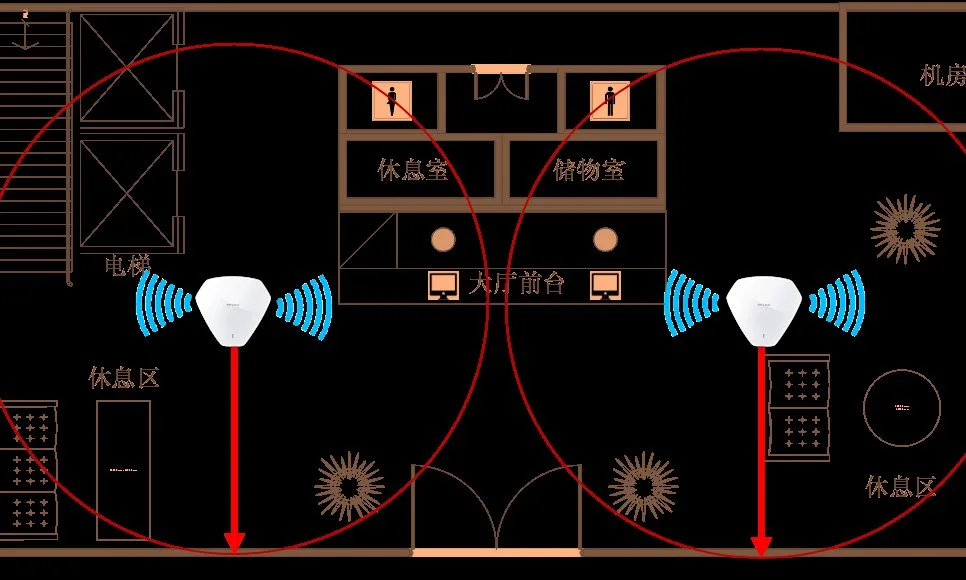
Teaching areas: corridor ceiling APs serving adjacent classrooms, with independent APs in lecture halls and labs.
02
Dormitories: a PoE switch per floor with every in-wall AP backhauled to its floor switch.
03
Outdoor areas: high-mounted outdoor APs on poles or building facades cover fields and plazas.
04
Interconnection: point-to-point bridges between buildings, or point-to-multipoint to a central equipment room.
05
Management: the AC gateway pushes per-zone policy (teaching / dormitory / outdoor) and integrates with campus authentication.
Standard Topology
Recommended Configuration
Dual-band 3000M ceiling AP covering adjacent classrooms from the corridor
 WA-590In-wall Wireless APDorms, one per room
Dual-band 3000M in-wall panel AP, one per room with a downlink port
View Details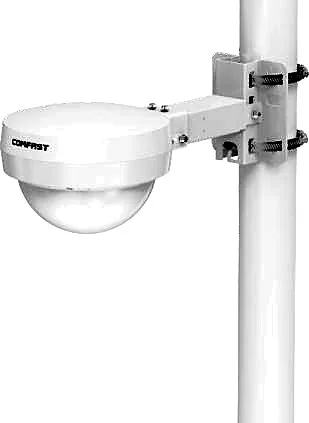 CF-WA933Outdoor Wireless APSports fields and plazas, one per 300–500 sqm
3000M outdoor AP with weatherproofing and surge protection
View Details CF-E313AC V2Wireless Bridge / CPEBuilding-to-building links, 2 units per link
900M 5.8GHz bridge replacing inter-building fibre
View Details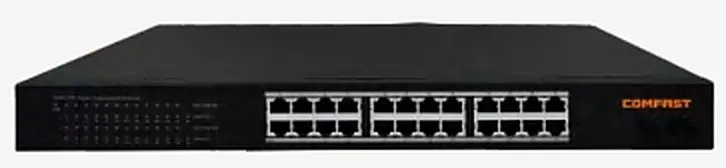 CF-SG1241PSwitch / Gateway / AC ControllerPer building / floor
24-port full-gigabit PoE switch for floor or building access
View DetailsAC gateway for up to 256 APs with per-zone policy
Configuration list as a table
| Model | Quantity | Purpose |
|---|---|---|
| CF-E593AX | Teaching blocks, one per 2–3 classrooms | Dual-band 3000M ceiling AP covering adjacent classrooms from the corridor |
| WA-590 | Dorms, one per room | Dual-band 3000M in-wall panel AP, one per room with a downlink port |
| CF-WA933 | Sports fields and plazas, one per 300–500 sqm | 3000M outdoor AP with weatherproofing and surge protection |
| CF-E313AC V2 | Building-to-building links, 2 units per link | 900M 5.8GHz bridge replacing inter-building fibre |
| CF-SG1241P | Per building / floor | 24-port full-gigabit PoE switch for floor or building access |
| CF-AC300 | 1–2 units | AC gateway for up to 256 APs with per-zone policy |
Key Technical Points
- One AP per dormitory room is mandatory,a corridor AP shared across a floor saturates at night and drops to unusable rates through walls.
- For inter-building links,calculate the link budget before committing, line of sight, Fresnel-zone clearance and foliage are decisive — if in doubt, run a temporary link and measure.
- Per-account rate limiting beats per-AP limiting,bandwidth contention comes from a few devices, and enforcing caps on the AC removes it directly.
- When outdoor APs share the teaching SSID,mind layer-2 reachability, a bridge carries layer 2, so confirm the AC can discover APs across it.
Installation & Commissioning
- Mount corridor APs on the corridor centreline — directly facing a doorway over-covers the threshold and under-covers the room.
- Put dorm panel APs at the existing outlet; check box depth (≥ 45mm) and wiring order before starting.
- Earth and surge-protect outdoor APs and bridges; leave a serviceable mounting height so maintenance does not need a cherry picker.
- Bridge commissioning order,align on RSSI first, then set channels, then measure throughput — never accept signal strength in place of a throughput test.
Where These Projects Most Often Go Wrong
- Covering dorm rooms from corridor ceiling APs,heavy night-time load plus wall loss means complaints — and fixing it later is expensive.
- A bridge installed without checking Fresnel clearance,the distance works but the link is unstable, collapsing in rain or when foliage grows.
- Using an indoor AP in a waterproof box outdoors,heat and humidity in summer cause lock-ups and high RMA rates.
- Authentication not integrated with the AC,dormitory users must log in repeatedly, or per-account limits cannot be applied.
Acceptance Criteria
- 5GHz ≥ -65dBm mid-classroom and ≥ -70dBm at the worst point in a dormitory room.
- The dormitory reaches design concurrency at the night peak with per-account limits enforced.
- Measure bridge throughput in both dry and wet weather,both must meet the design bitrate with headroom.
Sizing Rule & Pricing
Sizing rule: teaching APs = classrooms ÷ 2–3; dorm APs = number of rooms; outdoor APs = outdoor area ÷ 300–500㎡; bridges = links × 2; PoE switches by total AP count and building layout. Contact us for current pricing.
Send us your floor plan or site conditions and we will return a configuration list.