01

Buying Guide6min read
Wireless AP Buying Guide: From Scenario to Model
Three questions overseas buyers ask most: how many APs, which type, and how to get a quote. Here is a checklist you can send with your inquiry.
Read ArticleCore Topics
01
Buying Guide
1articles
02
Technical Guide
11articles
03
Product Selection
2articles
04
OEM / ODM
1articles
05
Product Knowledge
1articles
06
Troubleshooting
6articles
07
Field Guide
1articles
01
Three questions overseas buyers ask most: how many APs, which type, and how to get a quote. Here is a checklist you can send with your inquiry.
Read Article02
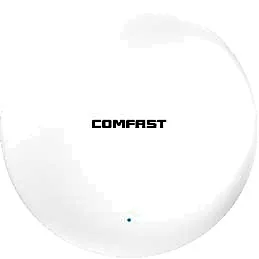
The spec-sheet numbers differ clearly, but the real decision driver is client mix and concurrency density, not peak rate.
Read Article03
The three form factors solve different problems: covering space, covering rooms and covering outdoors. Choosing the wrong one hurts experience more than low specs.
Read Article04
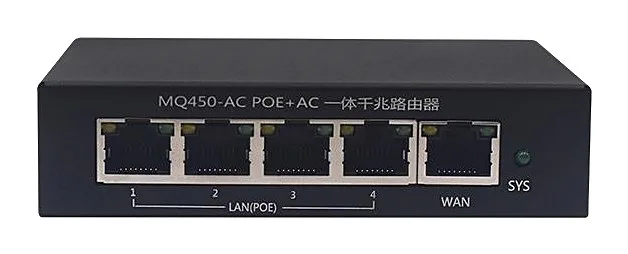
Two common PoE switch mistakes: insufficient total power budget and no spare ports. Here is a calculation you can apply directly.
Read Article05

Selling wireless APs under your own brand involves more than a logo: firmware UI, packaging, certification and frequency plans all matter.
Read Article06

Most bridge failures come from three causes: optimistic distance estimates, unassessed interference and no bandwidth headroom.
Read Article07
You bought WiFi 6 and still have dead spots, stalls and reboot loops. A deployment checklist in running order, with every figure from our own product pages.
Read Article08
The AP count in a hotel is set by wall construction, corridor shape, devices per room at the busy hour and seat counts in public areas, not by floor area. A method you can recompute, with every model figure from our own product pages.
Read Article09
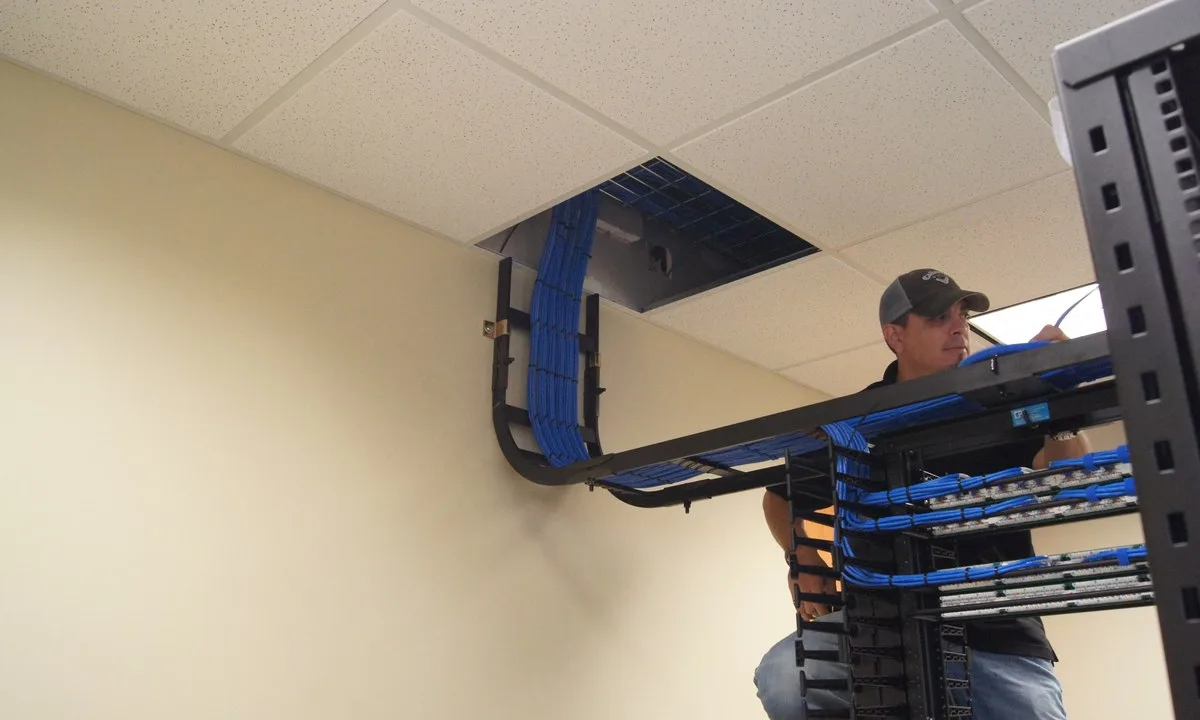
A WiFi site survey is not a heat map. It has to answer three questions: where the radio has to sit, how many clients each cell carries at the busy hour, and what is already in the air fighting you. A walk-test method, pass thresholds and a handover list, with model figures from our own product pages.
Read Article10
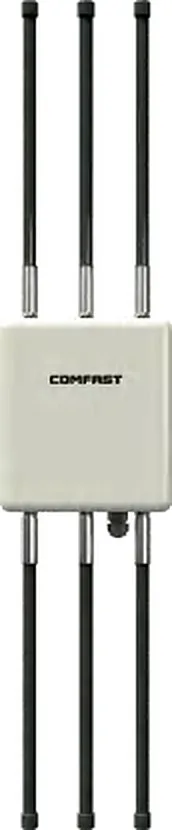
Range is not a figure on a datasheet, it is the output of a link budget where the phone has to talk back. A planning method for yards, campuses and seating bowls, with every model figure taken from our own product pages.
Read Article11
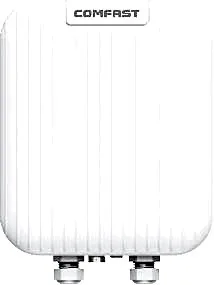
Warehouse WiFi is not the office plan scaled up. Racking blocks the next aisle, ceilings sit at eight metres, and scanners live at waist height. Plan per aisle, not per square metre, with every model figure taken from our own product pages.
Read Article12
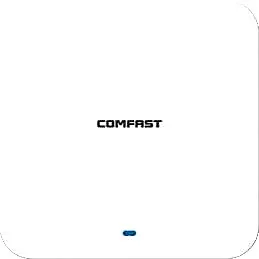
A room can show full bars and still fail at 09:00, because capacity is a different budget from coverage. Here is the two-line estimate — seats per cell and active clients per radio — and why the switch port behind the access point usually runs out before the radio does.
Read Article13
A school network that passes an empty-building survey can still stall at 09:00, because classrooms are sized by concurrent devices rather than by coverage. Here is how to choose between corridor units and one unit per classroom, with the arithmetic and the acceptance targets.
Read Article14
One office floor usually fails in three different ways at once: the open desk area is covered but slow, the glass meeting room stalls the moment a call starts, and the private offices behind the fire door have no signal at all. Each of those zones is decided by a different number, and this is how to size all three.
Read Article15
The AX figure on an access point is both radios added together, not what one laptop gets. The ladder from 1500 to 3000 moves antenna chains, the uplink port and the PoE class — and this is how to read those columns before you order.
Read Article16

Roaming is decided by the client, not the access point. This is what 802.11k, 802.11v and 802.11r each add, how much cell overlap a floor actually needs, and why a phone sitting under a second AP still stays on the far one.
Read Article17
Work through power, link, configuration and interference in that order — most drop-outs are found in step one.
Read Article18
Most roaming problems are sticky clients, not weak hardware. Disable low rates, level the power and unify the SSID — that fixes most sites.
Read Article19
The headline rate is an aggregate physical-layer figure. Real throughput is limited by the client, the band, the uplink and interference — rule them out one layer at a time.
Read Article20

Full signal bars do not mean a usable link. Bridge faults come down to Fresnel clearance, co-channel interference, alignment drift and insufficient rain margin.
Read Article21
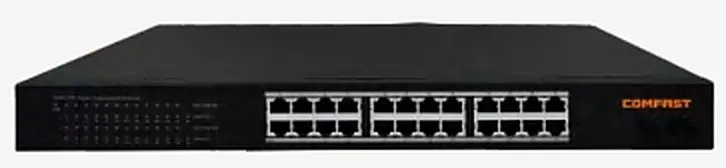
Port count decides how many devices you can connect; the PoE power rating decides how many will actually run. The two are routinely confused.
Read Article22
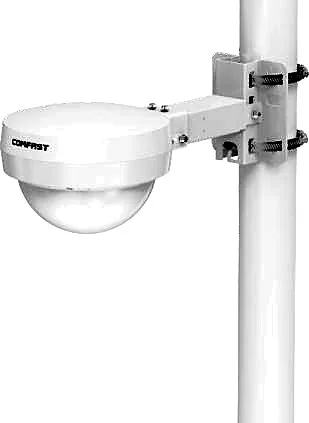
Most outdoor AP and bridge failures are not product defects — they are missing equipotential bonding and PoE-side surge protection.
Read Article23

Mounting height, spacing, channel planning, power tuning and acceptance — the items most often skipped on site, on one page.
Read ArticleGet a Quote
Send models, quantity, coverage scenario and target market. Our team replies within 24h.
Prepare: model, quantity, scenario