Need a selection or coverage plan for your project?
Send the scenario, area and client density; our team replies with a configuration proposal within 24h.
Send InquiryUnderstand what the headline number means
A "3000Mbps" figure is the sum of the two bands (for example 574 + 2402). A single client attaches to one band only, so its ceiling is that band alone; after protocol overhead and half-duplex behaviour, expect roughly 50–65% of it.
Likely causes
Ordered from most to least common:
- Client limitation: an older handset with a single 5GHz chain (1×1) caps far below the AP
- Connected to 2.4GHz: single-stream 2.4GHz typically delivers only 40–90Mbps and is interference-prone
- Uplink bottleneck: gigabit at the AP but a 100Mbps switch port or broadband link upstream
- Channel congestion: neighbouring APs on the same channel, or many co-channel APs nearby
- AP overloaded: far more clients than the design value on one AP
Diagnostic steps
Follow in order and change only one variable at a time.
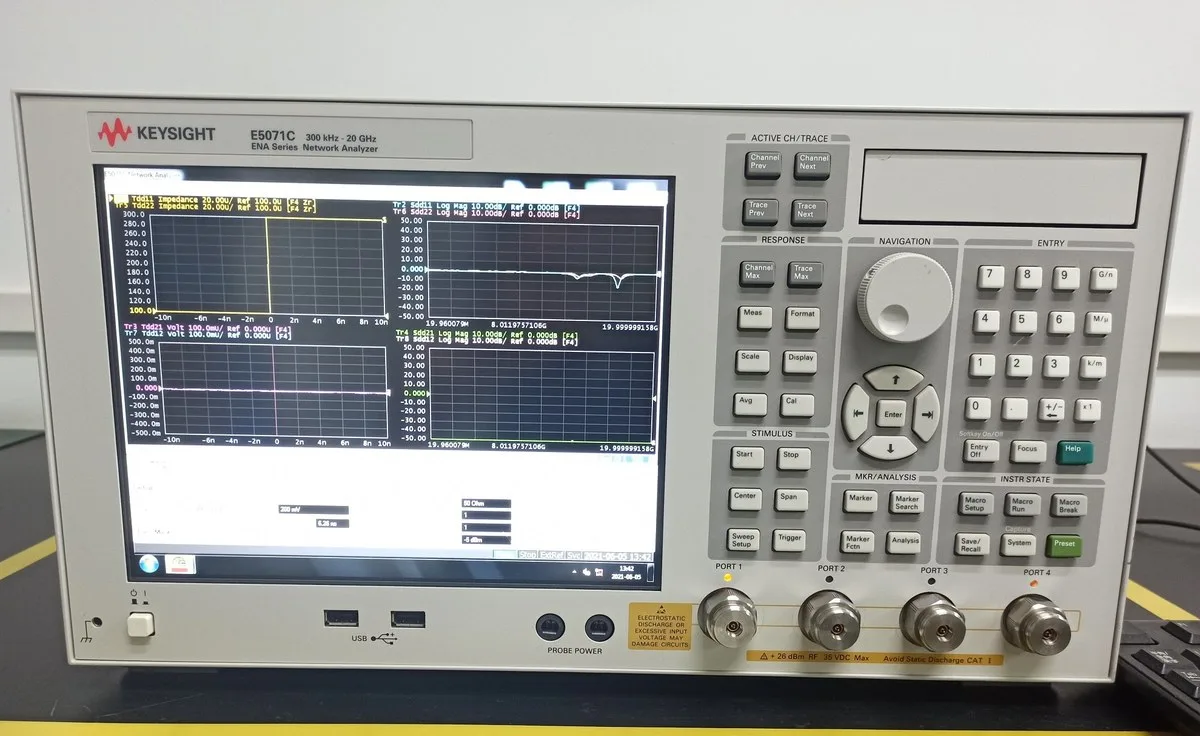
- Test with a wired connection on the same switch to confirm the uplink itself meets spec
- Confirm the client is on 5GHz: read the band and negotiated rate in the client details, not the signal bars
- Test within a metre of the AP for that client's ceiling, then step back and plot the fall-off
- Repeat with a 2×2 or 3×3 client to rule out client capability
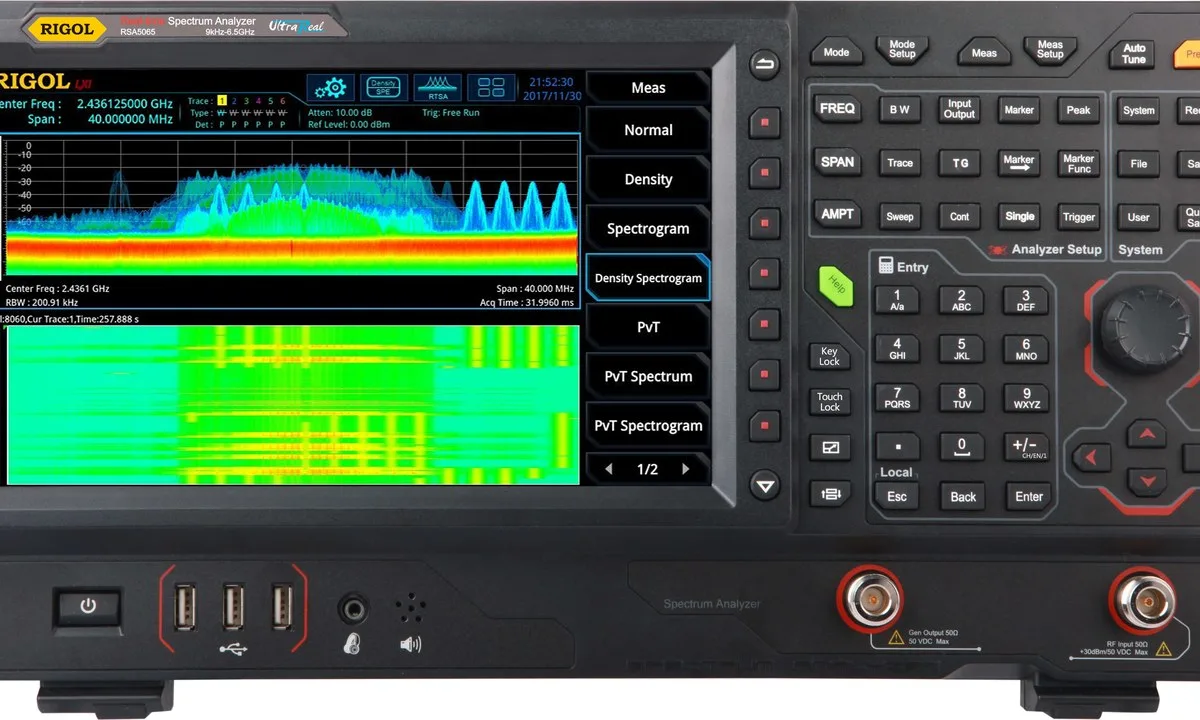
- Scan channel occupancy, pin adjacent APs to 1/6/11 on 2.4GHz, and stagger 5GHz away from channels that keep triggering DFS
- Count concurrent clients per AP and compare with the design figure
Fix and prevent
Fix: a weak client needs a better client or a wired connection; congestion needs channel planning and power tuning; overload needs more APs, not more power. Prevent: size by required throughput per service type and client count rather than by headline rate, and accept using the same client model your users carry.