Need a selection or coverage plan for your project?
Send the scenario, area and client density; our team replies with a configuration proposal within 24h.
Send InquiryWhat it looks like
APs flap on the AC list, or a whole floor reboots at the same moment. Clients lose connectivity intermittently and recover for a while after reconnecting.
Likely causes
Ordered from most to least common:

- Insufficient PoE: the switch total is exceeded and later APs never boot or brown out
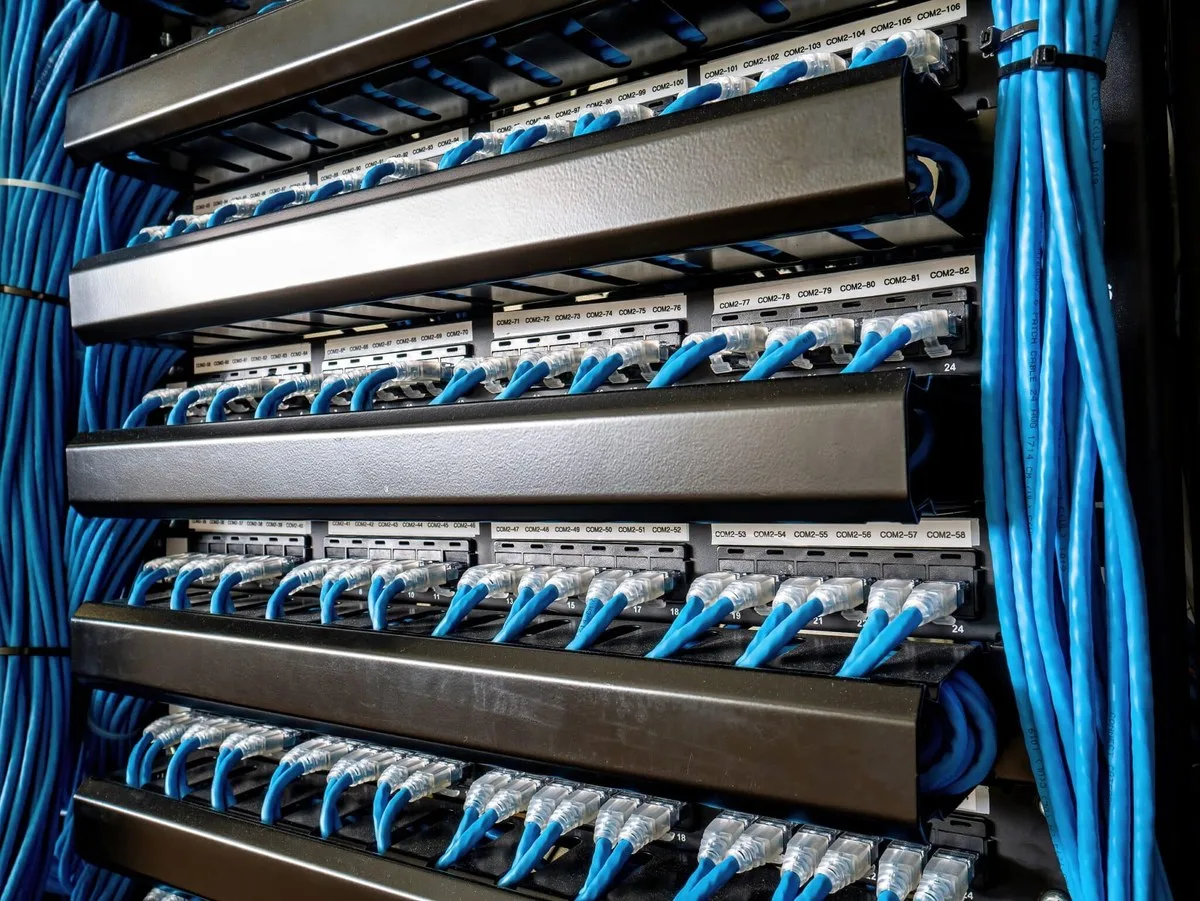
- Cabling: wrong wiring order, thin gauge, oxidised connectors, or a run over 100m
- Heat: high ceiling voids or sun-exposed outdoor enclosures trigger thermal protection
- Voltage mismatch: a non-standard 24V AP on a standard 48V PoE port, or the reverse
- Address conflict or a loop: duplicated IPs in the same subnet, or a loop at the access layer
Diagnostic steps
Follow in order; do not skip ahead.
- Check the switch port LED: dark or erratic means cable and PoE port first, not the AP
- Measure port voltage: a standard 48V PoE port should read about 48V; 24V devices need their own adapter or injector
- Check the power budget: AP count × per-AP draw × 1.3 against the switch PoE rating (use our PoE calculator to estimate)
- Swap port and cable: move the suspect AP to a known-good port and run — if the fault follows, it is the cable or port
- Power-cycle one unit: if only that one misbehaves it is local; if a batch fails together, look upstream at power and uplink
- Check temperature: ceiling voids run 10°C or more above room temperature, and outdoor enclosures run hotter still
Fix and prevent
Fix: with insufficient power, spread the APs across more switches or move to a higher-budget model; replace a bad cable run rather than splicing it; give non-standard devices their own supply path. Prevent: reserve PoE headroom at AP count × draw × 1.3 during installation, and verify wiring order and length port by port.