
Product Overview
- Wireless Speed
- 900Mbps
- Power Supply
- 24V PoE / 12V DC
- IP Rating
- IP65
OEM/ODM customization supported · Sample orders accepted
Product Images
Click an image to view the original size


Detailed Specifications
Specifications are transcribed from the factory datasheet of this model.
| Parameter | Value |
|---|---|
| Wireless Speed | 900Mbps |
| Power Supply | 24V PoE / 12V DC |
| IP Rating | IP65 |
Full datasheet available on request
Product Description
BS900G Product Overview 0-5KM Transmission Distance Wireless Digital Network Bridge 5KM BS900G uses MediaTek engineering-grade chips with stable and reliable performance. 5.8GHz working frequency band, up to 900Mbps wireless transmission rate, strong anti-interference ability and stable transmission; It adopts high-power circuit design, built-in high-speed point-to-point bridging, dual network ports, stable transmission and directional antenna, and longer transmission distance.
Interface description: Toggle switch (A/B) Digital switch key/Reset key DC power interface LAN port LAN port Digital display WIRELESS Can be wall-mounted or fixedly installed on a pole Supports 24V PoE power supply and 12V DC power supply Adopts outdoor rainproof design, IP65 protection level, rainproof, dustproof, windproof, sunproof Suitable for various outdoor scenarios, such as: elevator monitoring, outdoor construction site monitoring, tower crane monitoring, Scenic area monitoring, factory monitoring, dock monitoring, community monitoring and other application scenarios
Series positioning
Middle of the series — the usual balance point for standard guest-room and office coverage.
BS-900G · 5/22 · 900Mbps · —
Compare within the series
Values below are taken from the manufacturer datasheet. A blank cell means the manufacturer does not publish that parameter for the model.
Deployment reading for this category
Recommended solution
Campus & Dormitory WiFi Coverage
Ceiling APs per teaching floor, in-wall APs per dormitory room, and outdoor APs with bridges linking classrooms, dormitories and sports fields into one network.
/solutions/campus/Technical note
Antenna Types — Omni, Directional and Sector
The antenna decides where the energy goes. Omni for point-centred coverage, directional for links and distance, sector for corridors and large flat areas.
/knowledge/antenna-types/Technical note
Default IP Address of Access Points — How to Find It
Management addresses differ by vendor and by batch. The reliable approach is not memorising a table but knowing three methods: read the label, read the gateway, or factory reset.
/knowledge/default-ip-address/Related Products
View Similar Products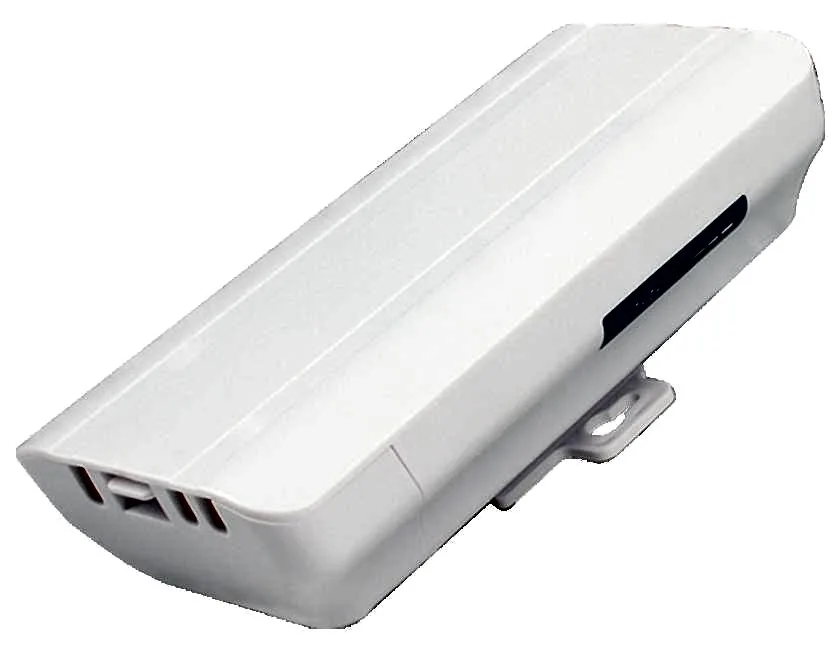
BS-300D
Wireless Bridge / CPE BS-300D with 300Mbps wireless rate and 2.4G single-band, 24V PoE, for point-to-point links between buildings, cranes and elevators.
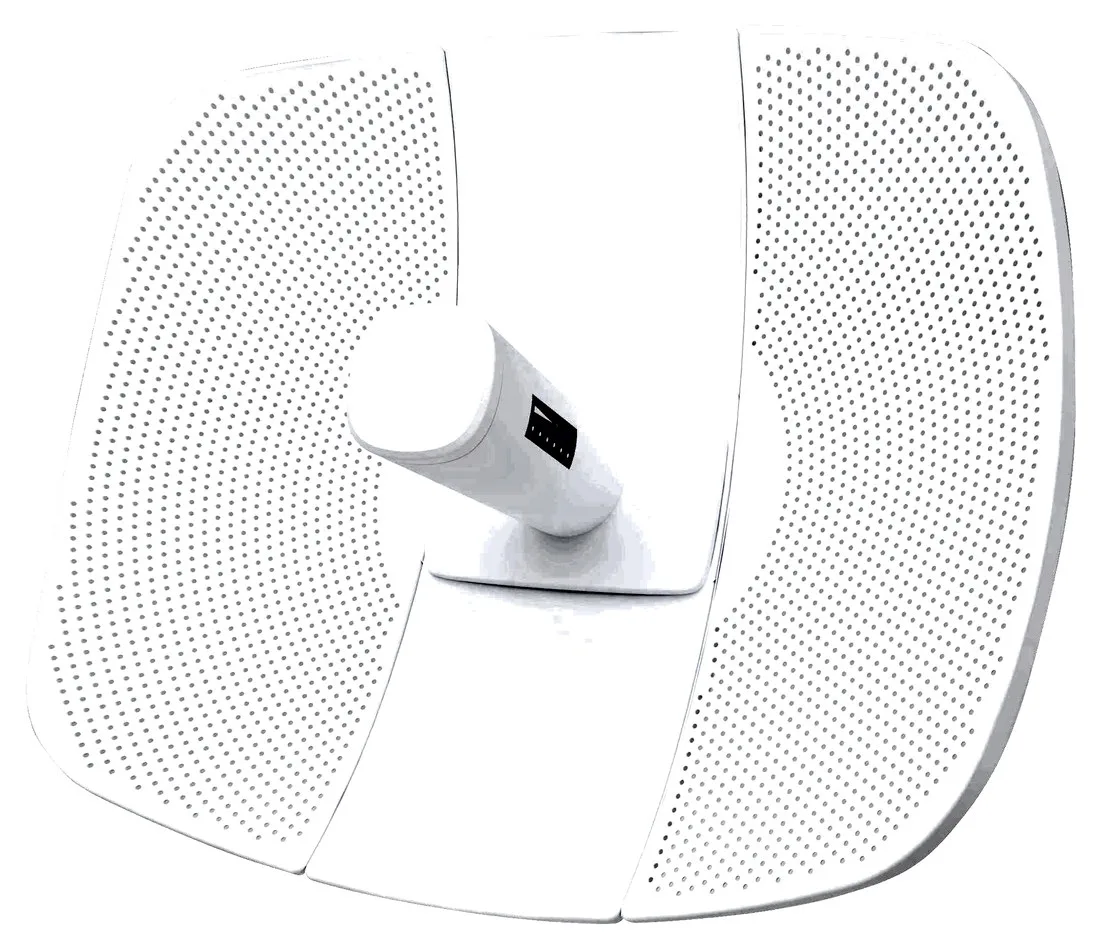
BS-500L
Wireless Bridge / CPE BS-500L with 300Mbps wireless rate, dimensions 395*340*250mm, 24V PoE, for point-to-point links between buildings, cranes and elevators.
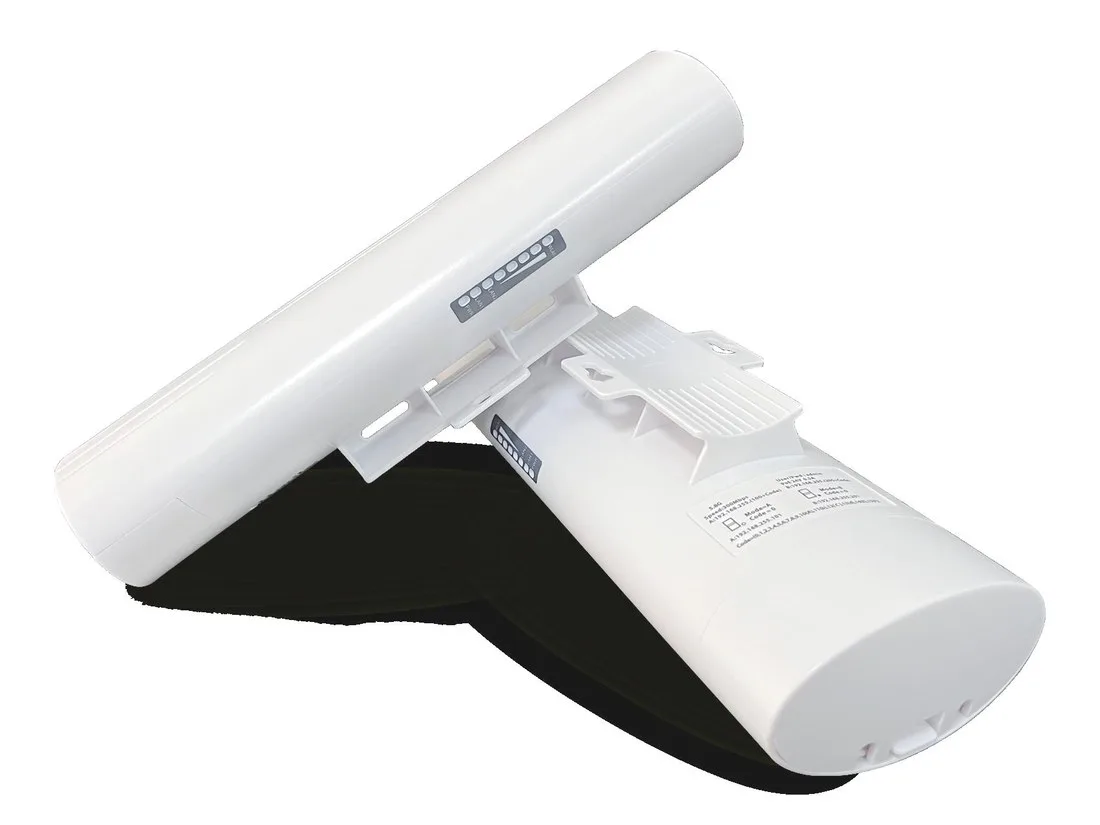
BS-500T
Wireless Bridge / CPE BS-500T with 300Mbps wireless rate, 24V PoE, for point-to-point links between buildings, cranes and elevators.
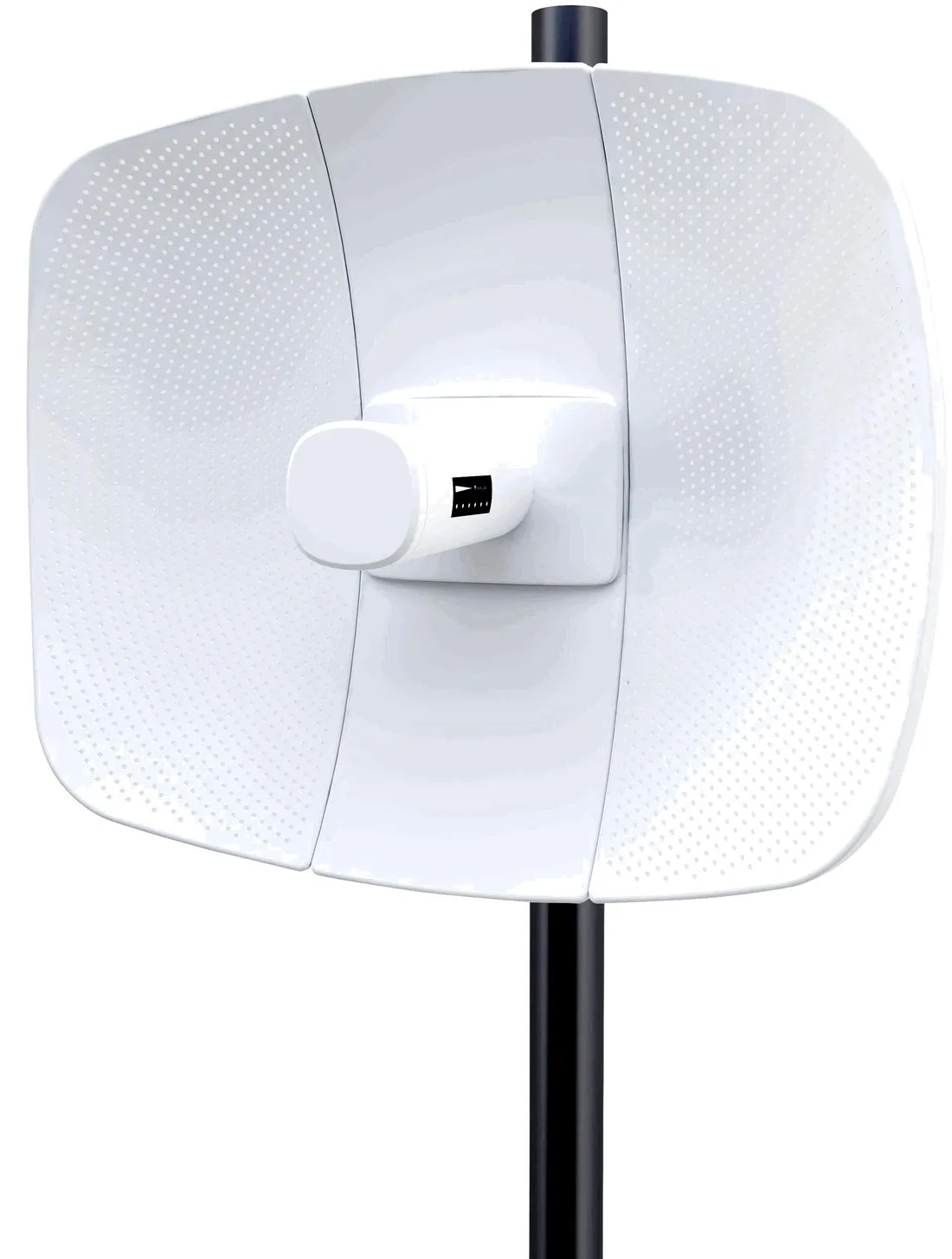
BS-560L
Wireless Bridge / CPE BS-560L with 900Mbps wireless rate, dimensions 395*340*250mm, 24V PoE, for point-to-point links between buildings, cranes and elevators.