A 4G CPE is a gateway that turns a SIM card into Ethernet plus Wi-Fi — power it up and the link is live
Bands and carrier lock decide whether it works: confirm country, carrier and required bands before ordering
Three questions pick the model: how many ports, single- or dual-band, indoor or outdoor
Also called an LTE CPE — check the bands against your country and carrier before choosing a model
Models in this category
View all 216 models →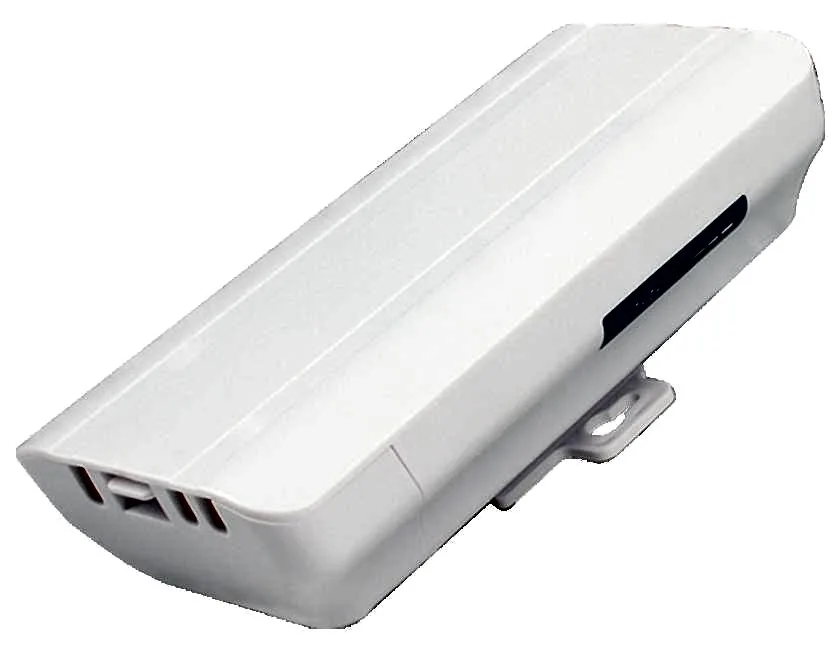
BS-300D
Wireless Bridge / CPE BS-300D with 300Mbps wireless rate and 2.4G single-band, 24V PoE, for point-to-point links between buildings, cranes and elevators.
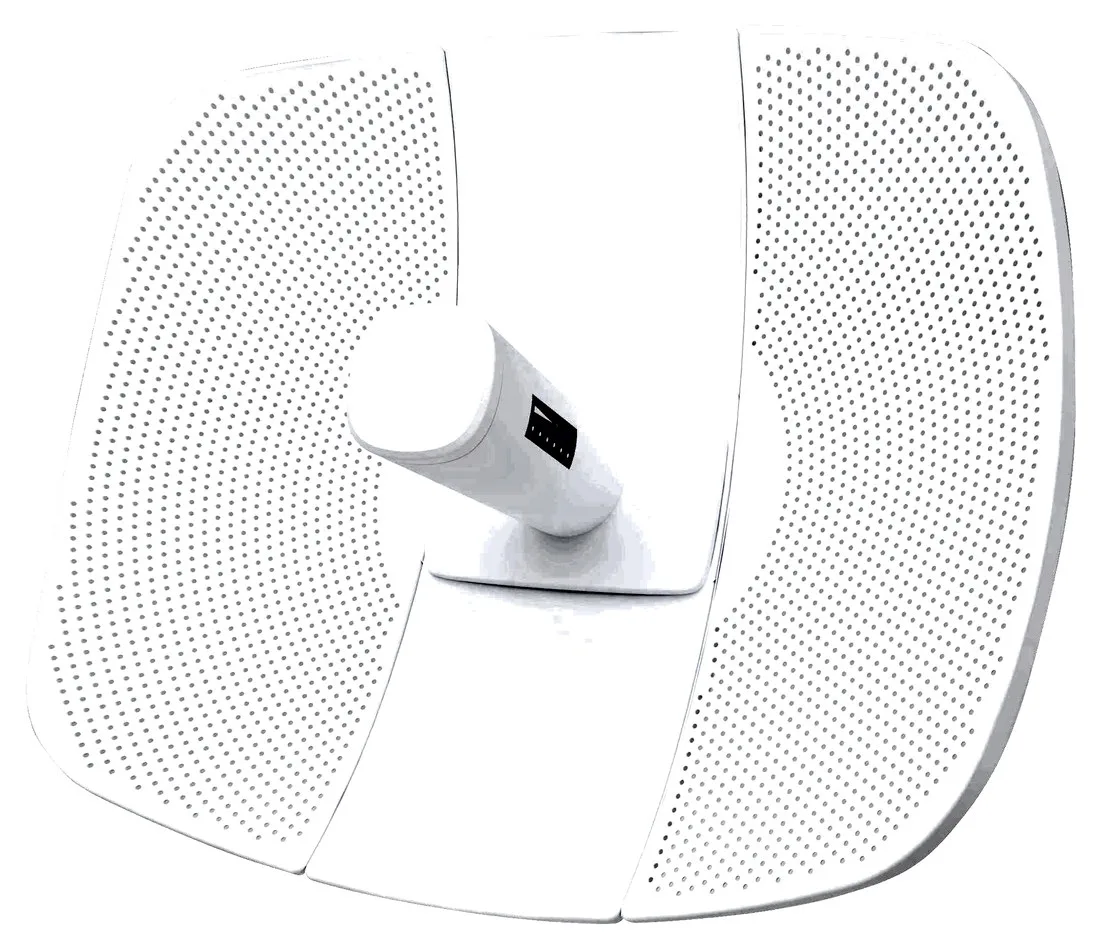
BS-500L
Wireless Bridge / CPE BS-500L with 300Mbps wireless rate, dimensions 395*340*250mm, 24V PoE, for point-to-point links between buildings, cranes and elevators.
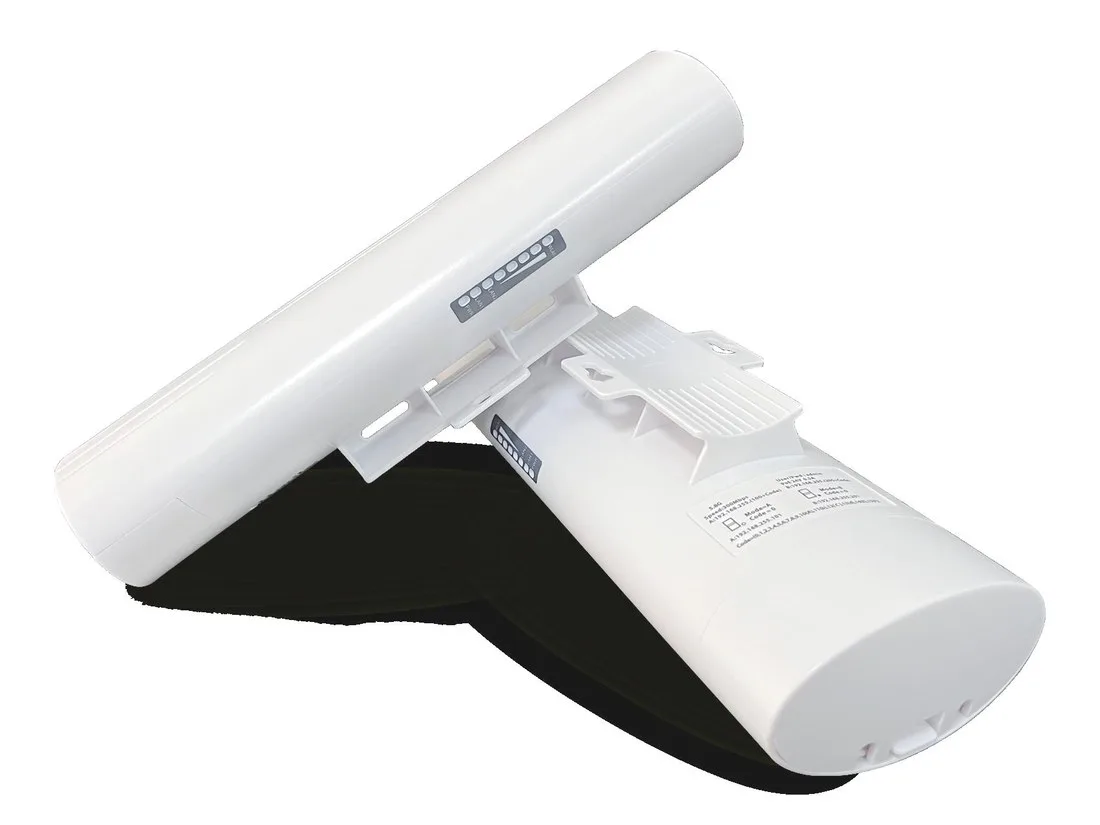
BS-500T
Wireless Bridge / CPE BS-500T with 300Mbps wireless rate, 24V PoE, for point-to-point links between buildings, cranes and elevators.
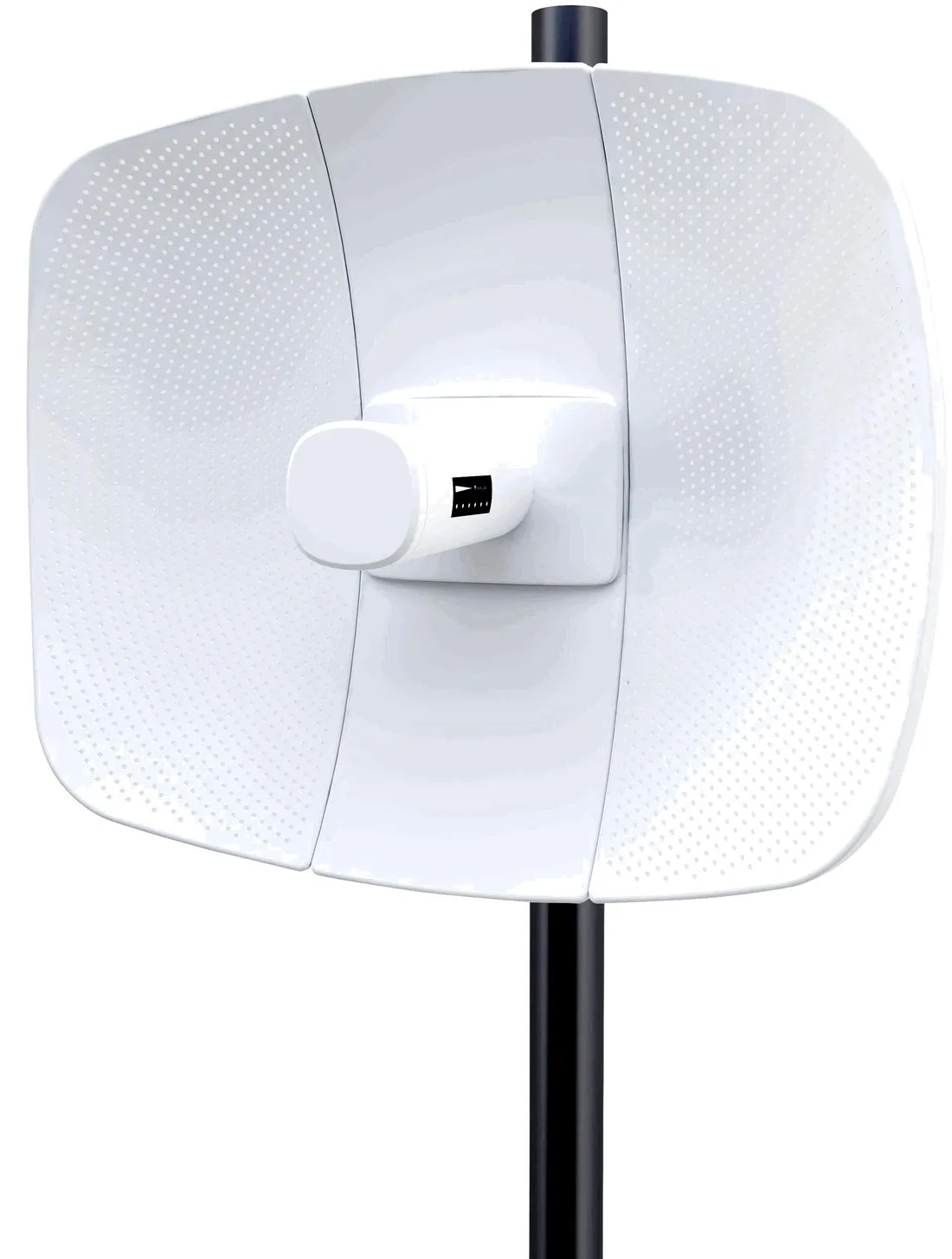
BS-560L
Wireless Bridge / CPE BS-560L with 900Mbps wireless rate, dimensions 395*340*250mm, 24V PoE, for point-to-point links between buildings, cranes and elevators.
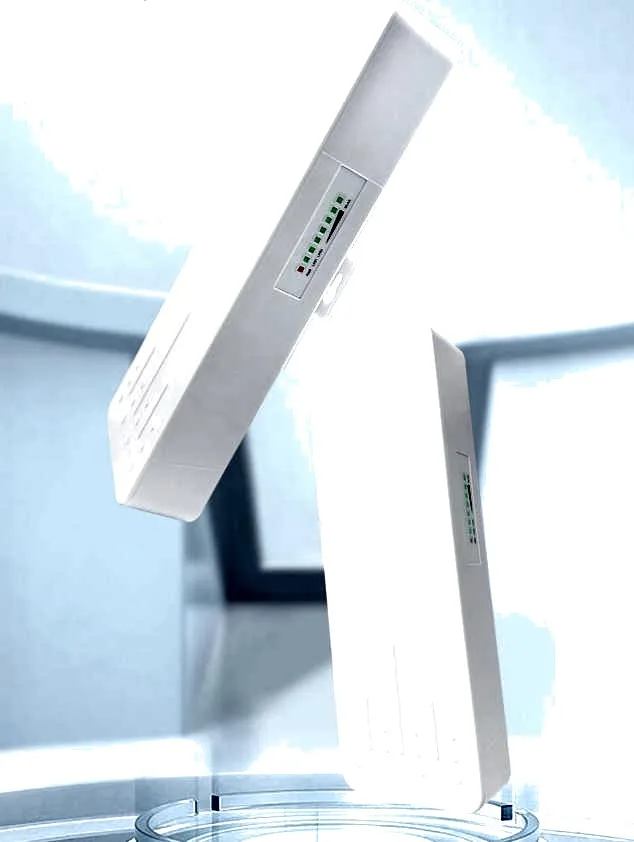
BS-900
Wireless Bridge / CPE BS-900 with 900Mbps wireless rate, dimensions 250*90*60mm, 24V PoE / 12V DC, for point-to-point links between buildings, cranes and elevators.
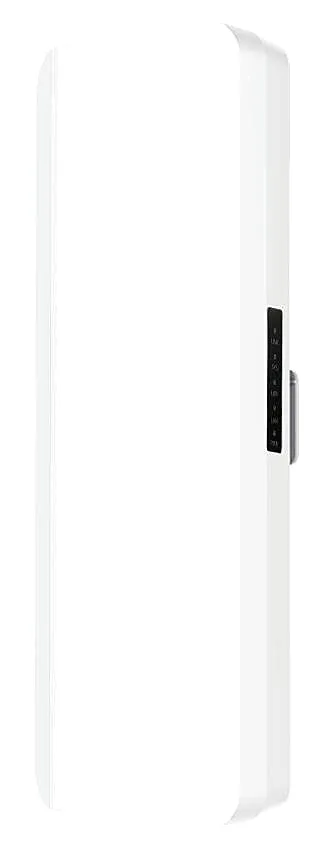
BS-900D
Wireless Bridge / CPE BS-900D with 900Mbps wireless rate, 24V PoE / 12V DC, for point-to-point links between buildings, cranes and elevators.

BS-900G
Wireless Bridge / CPE BS-900G with 900Mbps wireless rate, 24V PoE / 12V DC, for point-to-point links between buildings, cranes and elevators.

BS-900M
Wireless Bridge / CPE BS-900M with 900Mbps wireless rate, 24V PoE / 12V DC, for point-to-point links between buildings, cranes and elevators.
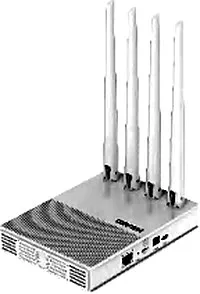
CF-E11
Wireless Bridge / CPE CF-E11 with 2.4GHz: 300Mbps wireless rate, External 4*5dBi antenna, dimensions 150*110*26mm Antenna: 175mm, for point-to-point links between buildings, cranes and elevators.
CF-E112N V2
Wireless Bridge / CPE CF-E112N V2 with 300Mbps wireless rate and 2.4GHz single-band, supports IEEE802.11b/g/n, bulit in9dBi Antennas, dimensions 165*85*43.5mm, for point-to-point links between buildings, cranes and elevators.
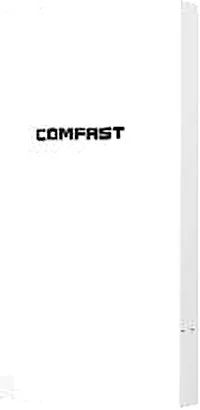
CF-E113A V2
Wireless Bridge / CPE CF-E113A V2 with 300Mbps wireless rate and 5.8GHz dual-band, supports IEEE802.11b/g/n, bulit in 9dBi Antennas, dimensions 165*95*51mm, for point-to-point links between buildings, cranes and elevators.
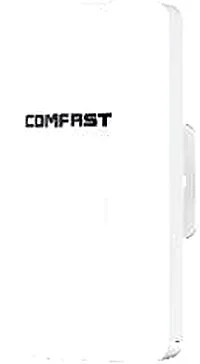
CF-E120A V3
Wireless Bridge / CPE CF-E120A V3 with 300Mbps wireless rate and 5.8GHz dual-band, supports IEEE802.11b/g/n, bulit in 5.8Ghz: 11dBi Antennas, dimensions 165*95*51mm, for point-to-point links between buildings, cranes and elevators.
Related pages
01 What a 4G CPE is
A 4G CPE is a wireless gateway that reaches the internet on its own: it turns the mobile network in a SIM card (4G/LTE, with some models backward-compatible with earlier standards) into Ethernet ports and Wi-Fi, so cameras, cash registers, POS terminals and laptops can connect directly. CPE originally stands for Customer Premises Equipment, but in wireless it means a box that turns a carrier network into a local one. Its key difference from an ordinary wireless bridge is the uplink: not a cable but a built-in cellular module and SIM slot. If there is signal where it stands and data on the card, it goes live without waiting for a wired install — and comes down just as quickly.
02 How it differs from a 4G router and a phone hotspot
| Item | 4G CPE | 4G router (SIM) | Phone hotspot |
|---|---|---|---|
| Purpose | Treat mobile as fixed broadband; serve device-type clients | Desk-level internet for a home or small shop | Briefly share phone data with a few devices |
| Wired ports | Usually several LAN, sometimes WAN, with a SIM slot | Fuller WAN/LAN set with complete routing | Essentially none |
| Wireless | Single- or dual-band, coverage varies by model | Single- or dual-band | Whatever the phone gives |
| Client capacity | Built for many clients and always-on devices such as cameras and POS | Up to a few dozen | A handful to about a dozen |
| Power and deployment | Mains-powered, suited to long-term fixed installs | Desk socket power | Relies on phone battery |
| Management | Device-level settings: APN, auto-redial, port mapping | Full router management | A few settings in the phone OS |
SIM routers and 4G CPEs overlap in function; choose by whether you need more ports, a long-term fixed install, and device-level control.
03 Bands and SIM compatibility — what to confirm before ordering
- Bands come first: the same card rides different bands in different countries, and support decides whether it works at all. Send us the country, carrier and required bands and we check model by model.
- Read the standard: 4G is a loose term covering FDD-LTE, TDD-LTE and more. Real throughput depends on local coverage and the band mix, not on the word 4G alone.
- SIM size: nano and micro slots differ. Check the marking by the slot before swapping cards, and do not cut a card to fit.
- Carrier lock and APN lock: some carrier-customised units are locked to a network or an APN. Test before you commit; a locked unit needs the carrier to unlock it before it works on others.
- Data and features: a data-only SIM is usually enough; models needing SMS, voice or a fixed IP must be confirmed separately.
- Backup link: confirm it supports wired-first, 4G-fallback failover, and plan the data plan and billing in advance.
04 SIM slot, carrier lock and going online
SIM models are not hard to bring up; the important parts are the slot type and a few basic settings. Our SIM models use mostly nano SIM, with a few micro SIM, and the slot sits on the side or underside of the unit. Once fitted, dial in with the APN name, username and password your carrier provides. A carrier lock means the unit was customised to accept only one network's SIM; confirm whether unlocking is required before you buy so you are not stuck on arrival. A few settings are worth making: enable auto-redial after a drop, set port mapping or a DMZ if you need remote access to cameras, change the default admin password, and disable remote management you will not use. If the site already has wired broadband, keep 4G as the backup path and let it fail over when the primary link drops.
05 Antennas, signal and client capacity
- Antenna type sets the coverage shape: built-in antennas suit close desk use, while external 5dBi omni antennas (such as the 4x5dBi on our CF-E11 and CF-E13) help with wall penetration and some distance.
- Placement beats hardware: put the CPE near a window and high up, away from metal cabinets, thick concrete and high-power appliances — usually more effective than swapping antennas.
- Client capacity tracks wireless rate and concurrency: 300Mbps single-band units (such as CF-E11 and CF-E13) suit around a dozen clients plus cameras and POS devices, while dual-band 867Mbps units (such as CF-E17) fit more clients and video backhaul.
- Do not size the deployment from headline rate: real experience is capped by the carrier's uplink and signal quality, so test on site before committing to a scale.
- To cover a floor, pair a CPE with APs: the CPE handles the uplink while ceiling or in-wall APs do the coverage — do not expect one box to blanket a whole floor.
06 Typical scenarios: temporary sites, sublet flats and backup links
- Temporary sites: no wired line and a need to start fast — plug in the SIM and power. Watch dust, temporary power and surge protection, and for long outdoor use choose an outdoor model.
- Sublet flats and shops: when ports are short or the main line should not be shared, a SIM CPE gives one unit its own network, keeping it off the landlord's or neighbour's segment.
- Backup link: fail over to 4G when the primary broadband drops, keeping cash registers, cameras and access control online. Test the signal and plan the data plan up front.
- Exhibitions, pop-up offices and flash stores: network for a few days to a few weeks, deployed faster than a leased line and just as quick to pack away.
- Remote unattended points: street lights, irrigation and charging piles with no cable run, where a CPE backhauls the data.
07 Selection table: our SIM CPE and router models
| Model | Form / role | Wireless rate | Antenna | Ports and SIM slot | Typical use |
|---|---|---|---|---|---|
| CF-E11 | Wireless bridge / CPE (single-band) | 2.4GHz: 300Mbps | External 4x5dBi | 1x10/100M LAN, nano SIM, Type-C | Fast single-point link, camera backhaul |
| CF-E13 | Wireless bridge / CPE (single-band, more ports) | 2.4GHz: 300Mbps | External 4x5dBi | 1xWAN + 2xLAN 10/100M, nano SIM, Type-C | Small office, multiple wired devices |
| CF-E17 | Wireless bridge / CPE (dual-band) | 2.4GHz: 300Mbps + 5.8GHz: 867Mbps | Dual-band + 2.4G antennas | 1xWAN + 4xLAN 10/100M, nano SIM | More clients, video backhaul |
| CF-E15 | Wireless router (SIM) | 2.4GHz: 300Mbps | External 4x5dBi | 1xWAN + 2xLAN, nano SIM, Type-C | Home and small-shop SIM internet |
| CF-E18 | Wireless router (dual-band, SIM) | 2.4GHz: 286.8Mbps + 5.8GHz: 600Mbps | Built-in antenna | SIM slot, Type-C | Light desk dual-band deployment |
| CF-E4 | Wireless router (dual-band, SIM) | 2.4GHz: 300Mbps + 5.8GHz: 450Mbps | External 4x5dBi | 1xWAN + 2xLAN, nano SIM, micro USB | Home and small-office dual-band |
Figures come from our product data; the factory's latest spec governs. Confirm bands, network standards and carrier compatibility with us before ordering. More SIM routers are under /router/4g-router/ and outdoor models under /cpe/outdoor-cpe/.
08 Next step: from overview to sub-pages
Start with the /cpe/ overview to fix the product form, then split by environment: for outdoor or water-resistant points, see the outdoor CPEs under /cpe/outdoor-cpe/; for indoor desk use, mostly home or small-shop internet, see the SIM routers under /router/4g-router/. Send us the country, carrier, required bands and expected client count, and we will check model by model before quoting.
Questions
Q1 Does inserting a SIM just work? Does it need unlocking?
Most SIM models go online once a working data card is inserted and the APN is filled in. Some carrier-customised units are locked to a network or APN and need the carrier to unlock them first. Send us the SIM and carrier details before ordering so we can confirm bands and whether unlocking is needed.
Q2 How many devices can a 4G CPE carry?
It depends on wireless rate, concurrency and the carrier uplink. Our 300Mbps single-band units (such as CF-E11 and CF-E13) suit around a dozen clients plus cameras and POS devices, while dual-band 867Mbps units (such as CF-E17) fit more clients and video backhaul. For broad coverage, use the CPE for the uplink and add ceiling or in-wall APs.
Q3 Can you guarantee my carrier will work?
We cannot promise that in advance. Mobile bands are set by the carrier and local licensing, so the same device may or may not work on a given network. Our approach: tell us the country, carrier and required bands before ordering, and we check model by model before shipping.
Q4 Should I pick a 4G CPE or a 4G router?
Choose a CPE when you need more wired ports and will treat mobile as long-term fixed broadband (cameras, cash registers, many workstations). For a home or small shop that just needs basic routing and Wi-Fi, a SIM router is enough. The two overlap, so decide on port count, deployment style and whether you need device-level management.
Need bands checked against your country and carrier, or an engineer to pick between a SIM CPE and a 4G router? Send us your scenario.