Form factor first: ceiling APs for open areas, 86-box in-wall APs for individual rooms.
Radius follows band: 2.4GHz roughly 20–30 m, 5GHz 10–15 m — discount again per wall.
Associated clients and concurrent traffic are not the same — discount the headline count for real concurrency.
Models in this category
View all 216 models →
CF-E320N V2
Ceiling Wireless AP CF-E320N V2 with 300Mbps wireless rate and 2.4GHz single-band, supports IEEE802.11b/g/n, Built in 2*3dBi Internal Antennas, dimensions 200*200*18mm, Support POE Supply, for hotels, offices, malls and other high-density indoor areas.
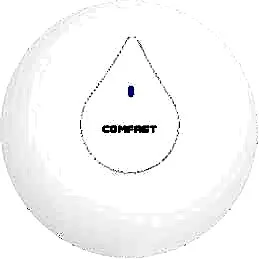
CF-E350N
Ceiling Wireless AP CF-E350N with 300Mbps wireless rate and 2.4GHz single-band, supports IEEE802.11a/b/g/n/ac, Built in 2*3dBi Internal Antennas, dimensions 200*200*18mm, Support POE Supply, for hotels, offices, malls and other high-density indoor areas.
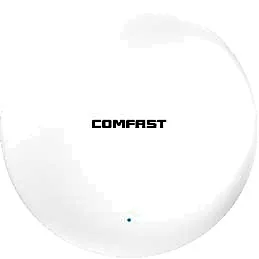
CF-E373BE
Ceiling Wireless AP CF-E373BE with 3600Mbps wireless rate and 2.4/5.8GHz dual-band, supports IEEE802.11 a/b/g/n/ac/ax/be, Built in 4dBi Internal Antennas, dimensions 228*228*43mm, Support POE Supply, for hotels, offices, malls and other high-density indoor areas.
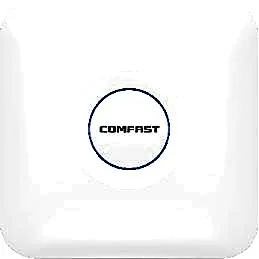
CF-E375AC V2
Ceiling Wireless AP CF-E375AC V2 with 1200Mbps wireless rate and 2.4/5.8GHz dual-band, supports IEEE802.11a/b/g/n/ac, Built in 5*3dBi Internal Antennas, dimensions 220*220*35mm, Support POE Supply, for hotels, offices, malls and other high-density indoor areas.
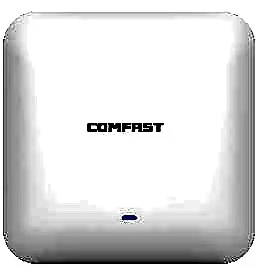
CF-E385AC
Ceiling Wireless AP CF-E385AC with 2200Mbps wireless rate and 2.4/5.8GHz dual-band, supports IEEE802.11a/b/g/n/ac, Built in 3dBi Internal Antennas, dimensions 220*220*46mm, Support POE Supply, for hotels, offices, malls and other high-density indoor areas.

CF-E390AX
Ceiling Wireless AP CF-E390AX with 1800Mbps wireless rate and 2.4/5.8GHz dual-band, supports IEEE802.11 a/b/g/n/ac/ax, Built in 3dBi Internal Antennas, dimensions 220*220*35mm, Support POE Supply, for hotels, offices, malls and other high-density indoor areas.
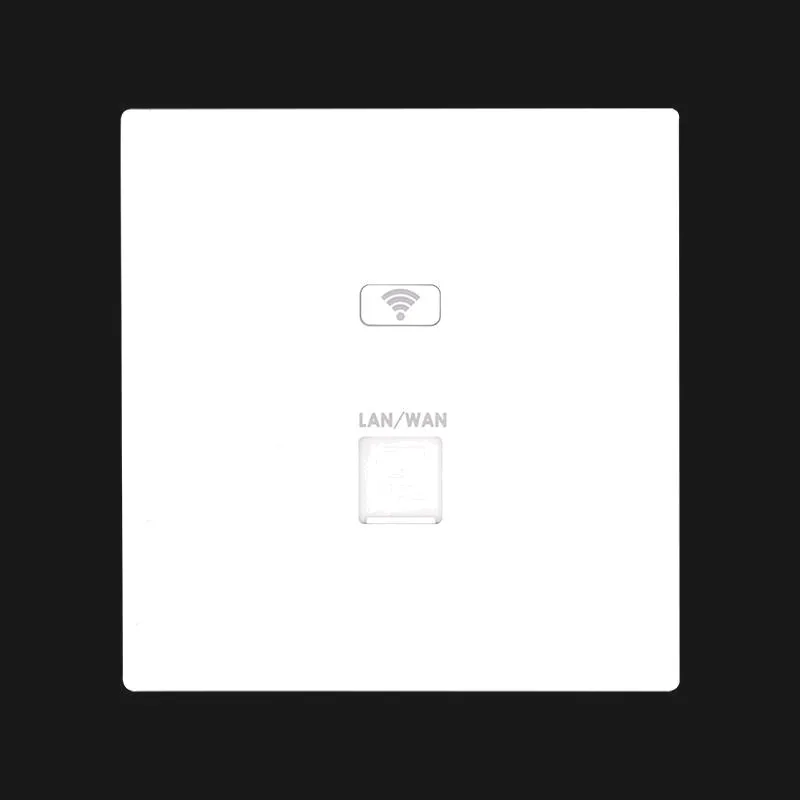
MQ-1200G
In-wall Wireless AP MQ-1200G with 1167Mbps wireless rate and 2.4G/5.8G dual-band, supports IEEE 802.11b/g/n, for hotel guest rooms, apartments and dormitories.
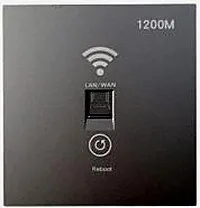
MQ-1201G
In-wall Wireless AP MQ-1201G, 48V PoE, for hotel guest rooms, apartments and dormitories.
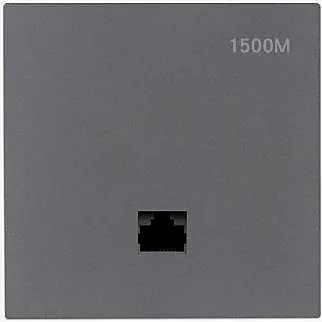
MQ-1502G
In-wall Wireless AP MQ-1502G with 1500Mbps wireless rate and 2.4G/5.8G dual-band, supports IEEE 802.11b/g/n/ac/ax, for hotel guest rooms, apartments and dormitories.
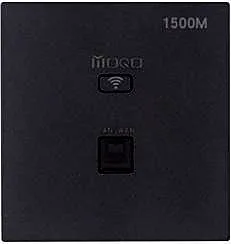
MQ-1512G
In-wall Wireless AP MQ-1512G with 1500Mbps wireless rate and 2.4G/5.8G dual-band, supports IEEE 802.11b/g/n/ac/ax, for hotel guest rooms, apartments and dormitories.
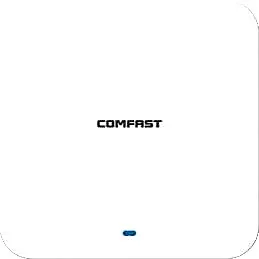
CF-E391AX
Ceiling Wireless AP CF-E391AX with 3000Mbps wireless rate and 2.4/5.8GHz dual-band, supports IEEE802.11 a/b/g/n/ac/ax, Built in 4*3dBi Internal Antennas, dimensions 220*220*29mm, Support POE Supply, for hotels, offices, malls and other high-density indoor areas.
CF-E393AX
Ceiling Wireless AP CF-E393AX with 3000Mbps wireless rate and 2.4/5.8GHz dual-band, supports IEEE802.11 a/b/g/n/ac/ax, Built in 3dBi Internal Antennas, dimensions 220*220*46mm, Support POE Supply, for hotels, offices, malls and other high-density indoor areas.
Related pages
01 Three indoor scenarios at a glance
| Scenario | Preferred form | Placement approach | Example models |
|---|---|---|---|
| Home / small unit | A single ceiling or in-wall unit | One unit covering the main living area, uplinked to a gateway | CF-E375AC V2 / MQ-1200G |
| Small office | Mainly ceiling | One per open zone or per one to two partitioned rooms, plus corridor fill | CF-E390AX / CF-E385AC |
| Hotel rooms / rental apartments | In-wall (86 box) | One per room; ceiling units fill corridors and shared areas | WA-580 / WA-590 / MQ-1502G |
Form and models are only a starting point; final point counts follow an on-site survey and pilot.
02 Ceiling vs in-wall (86 box / wall plate)
- Ceiling: mounted at the centre of the grid and radiating downward, ideal for lobbies, meeting rooms, open offices, corridors and dining areas.
- In-wall (86 box): fitted into a standard 86-series wall box, one per room, with walls naturally separating rooms so they do not compete for airtime — suited to hotel rooms, apartments, dormitories and private offices.
- In-wall APs are also called wall plate APs; common size is 86×86mm (e.g. WA-580, WA-590), usually powered by 48V PoE over the existing cable.
- Rule of thumb: rooms with real walls that each need guaranteed speed → in-wall; large open spaces without partitions → ceiling.
- Mixed deployment is the norm: in-wall units in guest rooms, ceiling units in corridors, lobbies and restaurants, all managed by one controller or gateway.
03 How much area and how many devices per AP
| Scenario | Coverage guidance | Client planning | Note |
|---|---|---|---|
| Open office / lobby (ceiling) | Roughly 60–100 m² unobstructed | Plan for about 20–30 active clients per unit | More partitions mean more points |
| Individual room (in-wall, 86 box) | About 20–40 m² per room | Plan for about 5–15 devices per room | One per room with no cross-room interference |
| High-density (meeting room / ballroom) | One per 30–50 m² | Cap per-unit concurrency and enable load balancing | Relies on point density, not raw power |
These are planning rules of thumb; final numbers follow an on-site survey and pilot — never size from a single unit's headline power alone.
04 Bands, wall penetration, and how this differs from a home router or Mesh
- 2.4GHz penetrates walls better but is slower and more congested; 5GHz is faster but weaker through walls. Use both: 5GHz nearby, 2.4GHz for distant and IoT devices.
- Load-bearing walls, metal and mirrors heavily attenuate 5GHz. Do not expect one AP to punch through walls — adding points beats raising power.
- Versus a home router: a home router bundles routing, switching and wireless and usually covers a whole home with one box; an indoor AP handles wireless access only and pairs with a gateway/controller and PoE switch, which suits many units under one management.
- Versus Mesh: Mesh nodes usually backhaul wirelessly and degrade hop by hop as nodes multiply; APs backhaul over cable (PoE), so every unit uplinks at full speed and stays stable at scale.
- A common upgrade path: run the cable during fit-out, then replace home Mesh with wired-backhaul indoor APs later.
05 Deploying in high room density
- One in-wall AP per room is the most controllable approach; avoid making one ceiling AP cover several guest rooms.
- Stagger channels across neighbouring APs manually or automatically: 2.4GHz on 1 / 6 / 11 only, 5GHz on non-overlapping channels, to cut co-channel interference.
- Cap the maximum clients and per-client bandwidth on each AP so a few devices cannot monopolise airtime.
- Enable roaming (e.g. 802.11k/v) so clients hand over smoothly between rooms instead of sticking to a weak AP.
- Use ceiling APs to fill corridors, lift lobbies and dining areas so guests stay connected while moving.
- Push configuration centrally from a controller or cloud platform to avoid SSID and channel drift from per-unit setup.
06 Real model selection table
| Model | Form | Wireless | Bands | Uplink / power | Best for |
|---|---|---|---|---|---|
| CF-E320N V2 | Ceiling | 300Mbps | 2.4GHz | 100M ports, PoE, <8W | Basic guest rooms, dorms |
| CF-E375AC V2 | Ceiling | 1200Mbps (dual-band Wi-Fi 5) | 2.4/5.8GHz | Gigabit ports, PoE, <13W | Small offices, homes |
| CF-E385AC | Ceiling | 2200Mbps (dual-band Wi-Fi 5) | 2.4/5.8GHz | Gigabit ports, PoE, <24W | Open offices, lobbies |
| CF-E390AX | Ceiling | 1800Mbps (Wi-Fi 6) | 2.4/5.8GHz | Gigabit ports, PoE, <12W | High-density offices, meeting rooms |
| CF-E373BE | Ceiling | 3600Mbps (Wi-Fi 7) | 2.4/5.8GHz | 2.5G ports, PoE, <24W | Premium venues, high bandwidth |
| WA-580 | In-wall 86×86mm | 1800Mbps (Wi-Fi 6) | 2.4/5.8GHz | 48V PoE | Hotel rooms, apartments |
| WA-590 | In-wall 86×86mm | 3000Mbps (Wi-Fi 6) | 2.4/5.8GHz | 48V PoE | Premium rooms, rental apartments |
| MQ-1502G | In-wall | 1500Mbps (Wi-Fi 6) | 2.4/5.8GHz | — | Guest rooms, dorms |
| MQ-1200G | In-wall | 1167Mbps | 2.4/5.8GHz | — | Economy guest rooms |
Figures above are taken from each model's product data; confirm the exact PoE standard and port layout on the corresponding product page.
Questions
Q1 Can a few ceiling APs cover a whole hotel floor?
Not recommended. Coverage degrades quickly across walls and distance; for room-based spaces use one in-wall AP per room and ceiling APs only for shared areas and corridors — denser and more predictable.
Q2 Do in-wall (86 box) APs need a separate power supply?
Most in-wall APs run on 48V PoE, carrying data and power over the existing cable, so no wall socket is needed — just confirm the switch or injector supplies the matching PoE standard.
Q3 Can an indoor AP be used as a router?
Generally no — an indoor AP provides wireless access only and needs an upstream gateway, router or controller to hand out addresses and route traffic; for an all-in-one, look at models with built-in routing.
Q4 Is Wi-Fi 6 always better than Wi-Fi 5?
It shows most where devices and concurrency are high (offices, meeting rooms, fully booked rooms); for a few devices doing basic coverage, dual-band Wi-Fi 5 is enough and budget is better spent on more points.
Q5 We already have home Mesh — do we still need indoor APs?
It depends on scale. With many rooms and walls, wireless-backhaul Mesh degrades hop by hop under load; moving to wired-backhaul indoor APs over existing cable is the common upgrade for hotels, offices and rental apartments.
Q6 Which Wi-Fi access point works for home use?
For a Wi-Fi access point for home use, start with one unit covering the main living area and add a second for far rooms; wired backhaul where possible — walls and floor count decide real coverage.
Want an indoor AP selection and layout suggestion based on your room count and expected concurrency? Send us the floor plan and scenario. You can also start from the full access point range, the ceiling AP section, or the hotel Wi-Fi solution.